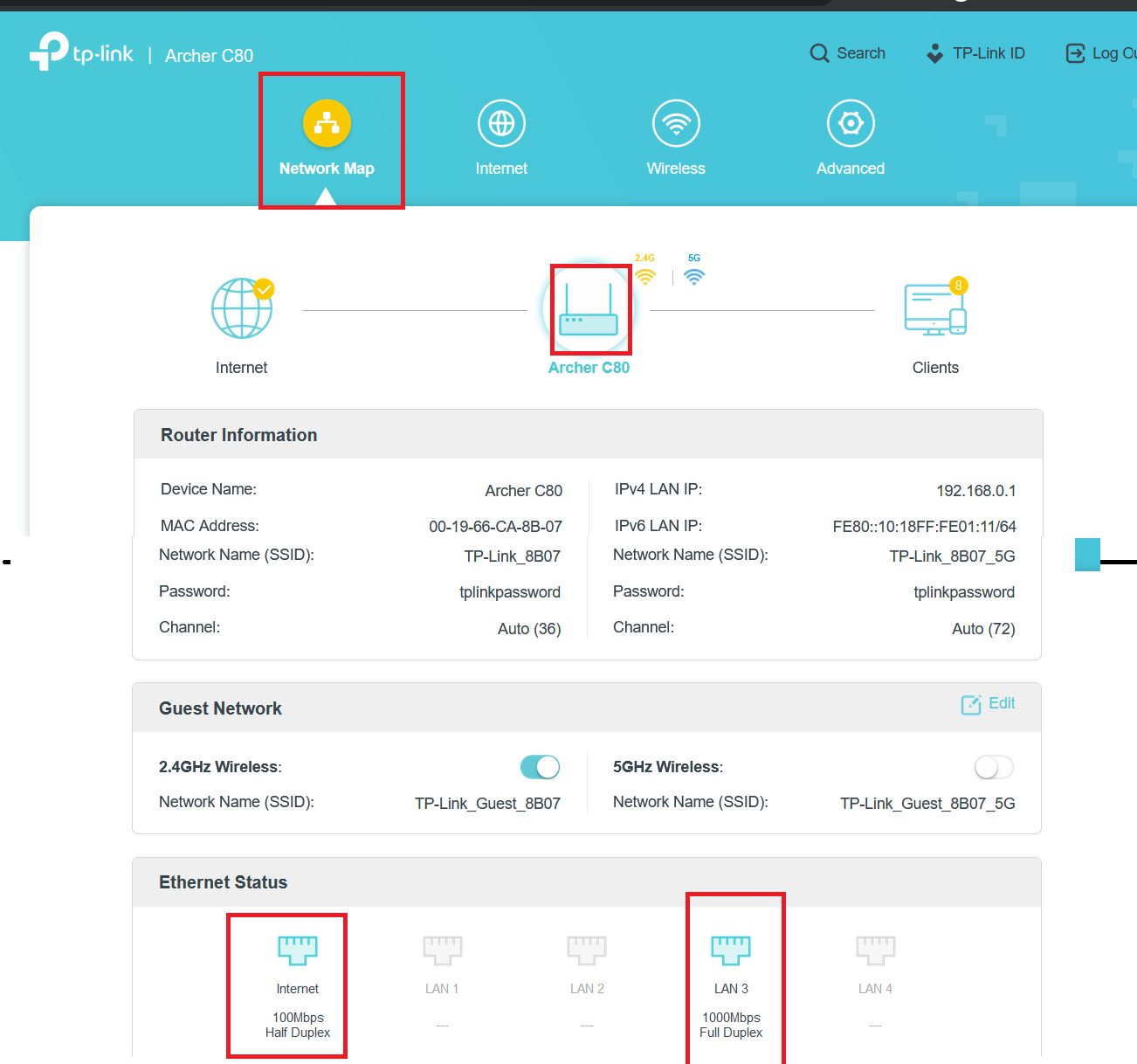
Bridge is the one you should try. You will have to put on Bridge if you get a NAT issue at a later point of time. So do it when you are configuring it , you know. Its not very difficult
You can try posting screenshots and ask help if you get stuck at any method
Nothing much to change after you get your everything working and internet on your router , just turn off Wifi on your ONT
This is related to Wifi and not the Internet configuration and should be done in your router(not ONT). Use WPA2/PSK as Encryption and turn off WPS as it can lead to Wifi getting compromised
The internet was connecting. So there is no issues in setup. Voila..
But very much disappointed with the WIFI range Archer gives. Its the same as my old router Huawei. No Improvements.
Also the speed shows less now. Also latency increased, from around 20 to 140 ishh. I am getting around 80 Mbps now in LAN but previously I get 100+ always.
Connecting with bridge mode increase latency or decrease speed? I am using LAN3 port.
The new modem not giving any range improvements and gives speed issues.
There are two WIFI SSID's one for 2.4 ghz band the other for 5 ghz Band. need to manually select which SSID to connect in wifi client.
This website uses affiliate links. This means that if you click on a link and make a purchase, we may receive a commission. This does not affect the price you pay for the product.
This site uses cookies to help personalise content, tailor your experience and to keep you logged in if you register.
By continuing to use this site, you are consenting to our use of cookies.