Firstly, MANY Thanks for this Forum.
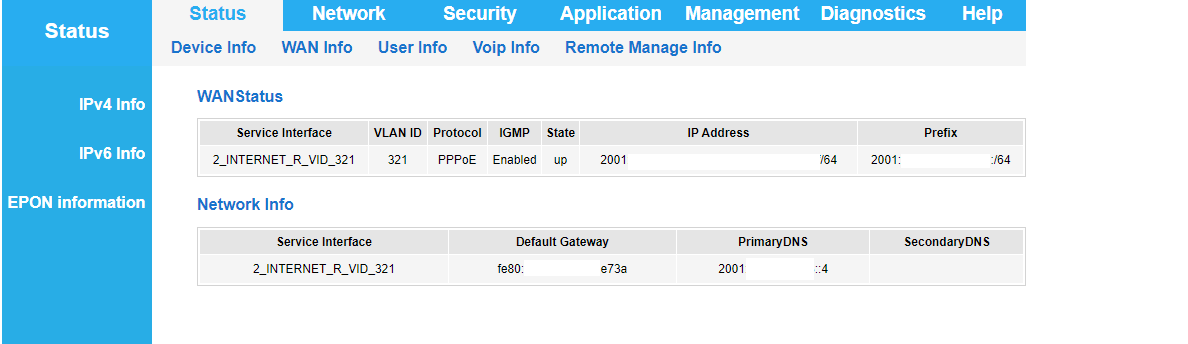
Following multiple tutorials, I have enabled IPv6 in the Syrotech Combo device. Its interface confirms IPv6:
BSNL Fiber FTTH IPv6

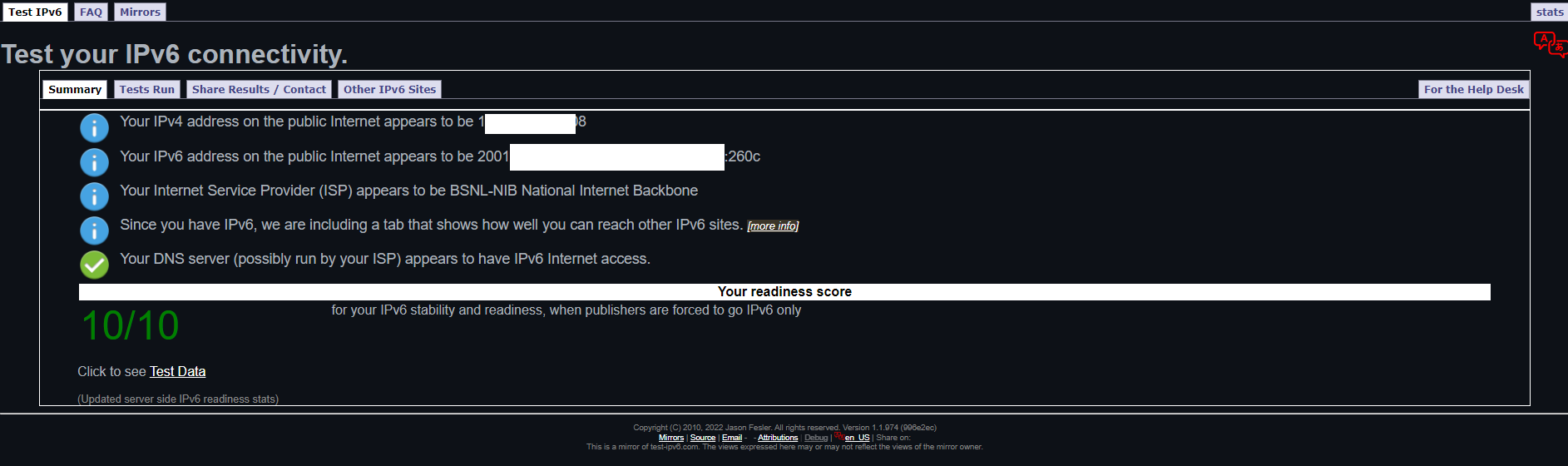
The OpenWrt router connected to this Syrotech Combo Device gets IPv6 too:
OpenWrt v23.05

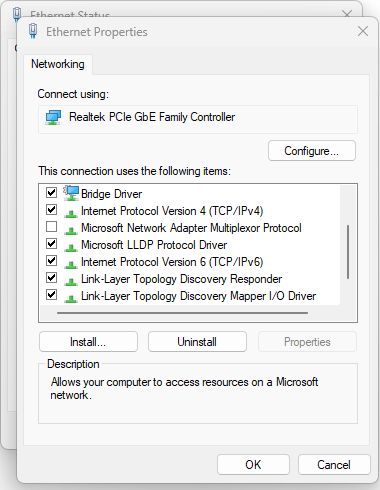
However, none of the devices connected wirelessly to the OpenWrt Router have IPv6 addresses or IPv6 Connectivity:
Windows 10 v22H2 (Wi-Fi 5Ghz)

Please advise how to activate IPv6 Connectivity.
[Update 01]
IPv6 has been configured correctly on Windows PC and it works, BUT ONLY for Mobile Hotspot:
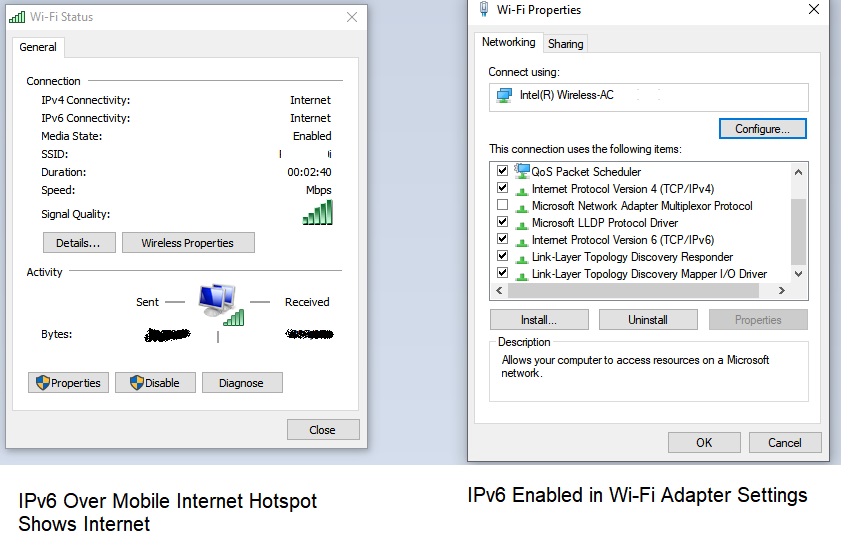
This means IPv6 is configured correctly and works with Cellular Data.
However, while using BSNL Fiber FTTH, it shows IPv6 "No Network Access."
Hence, IPv6 is showing only till OpenWrt Router. It is not being passed downwards to connected devices.
What could be the issue?
Following multiple tutorials, I have enabled IPv6 in the Syrotech Combo device. Its interface confirms IPv6:
BSNL Fiber FTTH IPv6
The OpenWrt router connected to this Syrotech Combo Device gets IPv6 too:
OpenWrt v23.05
However, none of the devices connected wirelessly to the OpenWrt Router have IPv6 addresses or IPv6 Connectivity:
Windows 10 v22H2 (Wi-Fi 5Ghz)
Please advise how to activate IPv6 Connectivity.
[Update 01]
IPv6 has been configured correctly on Windows PC and it works, BUT ONLY for Mobile Hotspot:
This means IPv6 is configured correctly and works with Cellular Data.
However, while using BSNL Fiber FTTH, it shows IPv6 "No Network Access."
Hence, IPv6 is showing only till OpenWrt Router. It is not being passed downwards to connected devices.
What could be the issue?
Last edited: