Hi, Everyone.
I need your help and expertise.
I have this Jio Fiber router JCO4032. (The slim blue router)
Now, the router runs fine over quite a few days. but after almost 2 weeks, it starts to slow down, like website taking longer to load.
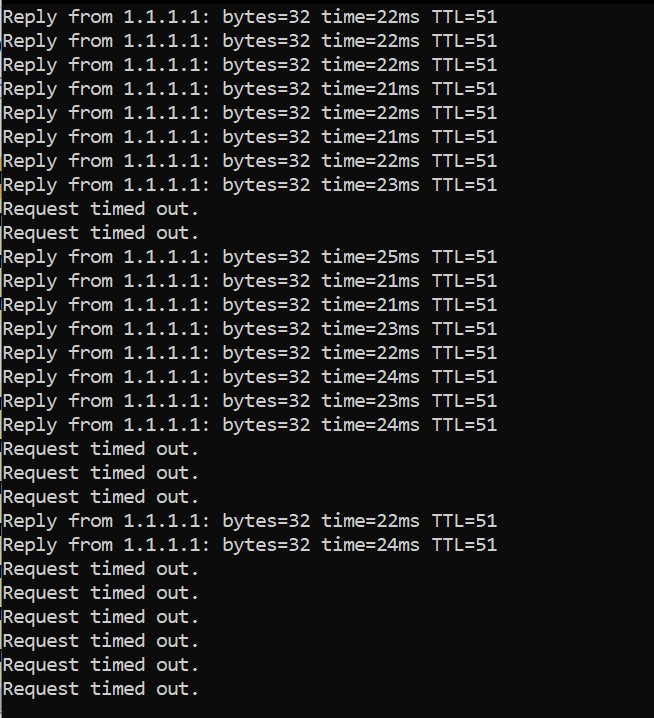
When I ran background ping, I saw that router is giving request timeouts for few minutes and then again starts to work, and again stops after few minutes, and this cycle continues..
Please help me with the solution if anyone got it fixed.
Can you also help @FrustratedUser
I need your help and expertise.
I have this Jio Fiber router JCO4032. (The slim blue router)
Now, the router runs fine over quite a few days. but after almost 2 weeks, it starts to slow down, like website taking longer to load.
When I ran background ping, I saw that router is giving request timeouts for few minutes and then again starts to work, and again stops after few minutes, and this cycle continues..
Please help me with the solution if anyone got it fixed.
Can you also help @FrustratedUser