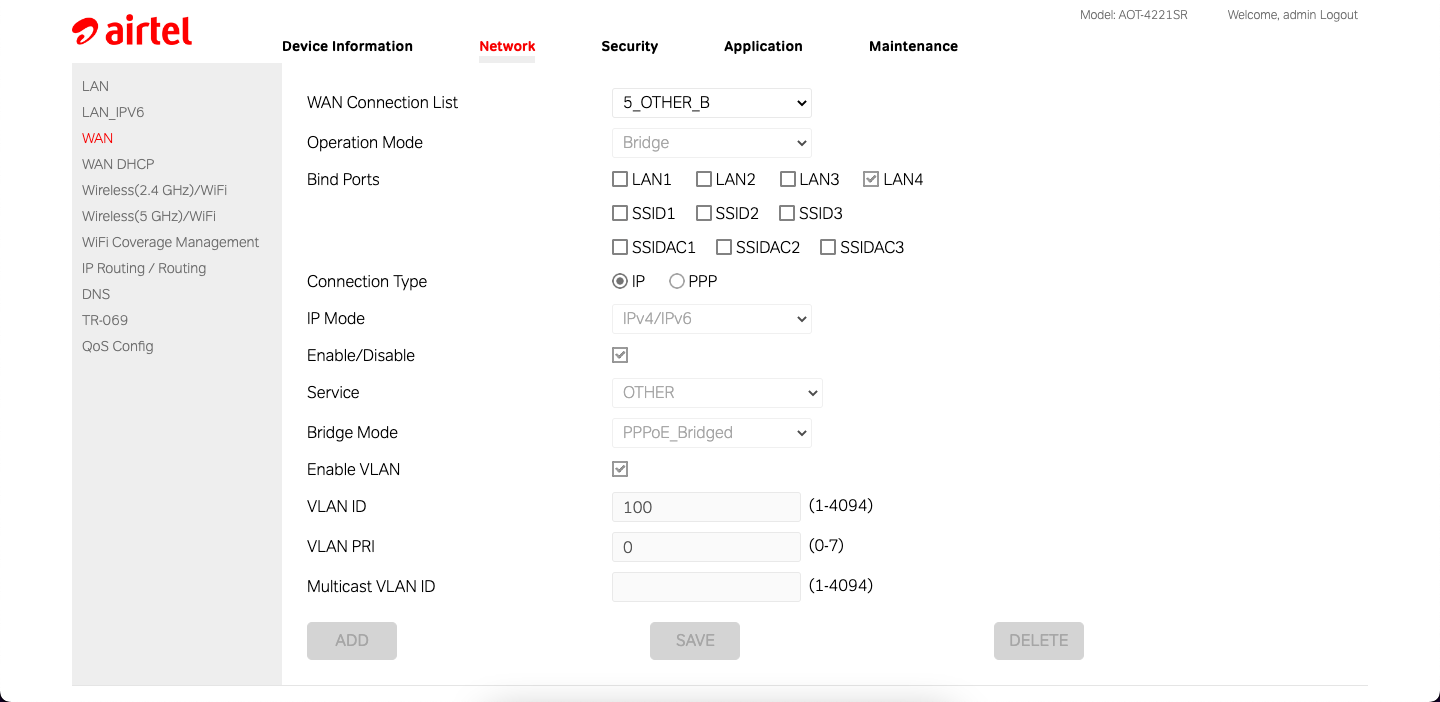
hi! i'm using airtel AOT-4221SR router and i have set a custom DNS server which is my self-hosted Adguard home. Whenever the router restarts all the clients get disconnected and i have to re-login to web ui to do some toggle to Airtel DNS server and then back to my agh servers.
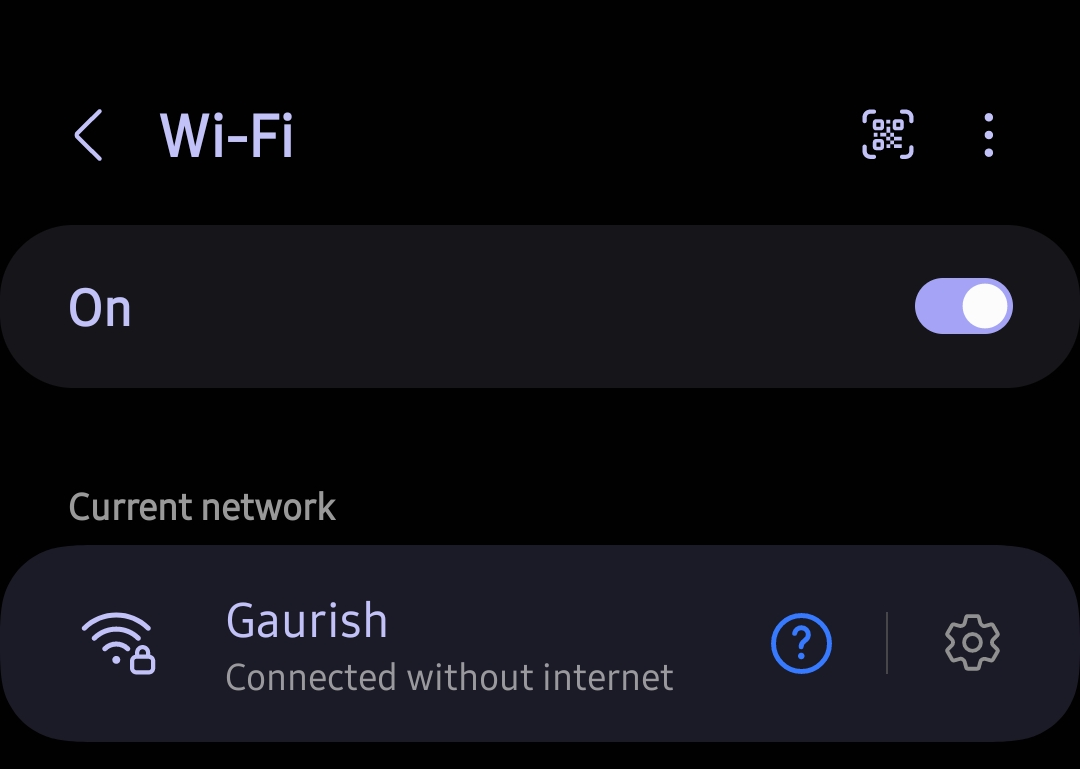
All i do now to fix this is login to router UI and switch the servers back to Airtel ones, save and then revert back to my agh ip. Is there any way to fix this?
One more thing, these restarts happen at 3-4am and they def are not related to power since i have an inverter at my home. I stayed up to check if it was a power cut and it wasn't it just restarts automatically.
All i do now to fix this is login to router UI and switch the servers back to Airtel ones, save and then revert back to my agh ip. Is there any way to fix this?
One more thing, these restarts happen at 3-4am and they def are not related to power since i have an inverter at my home. I stayed up to check if it was a power cut and it wasn't it just restarts automatically.

 . someone else on the forum had also mention that he used inspect element and he was able to use it but nothing detailed was provided.