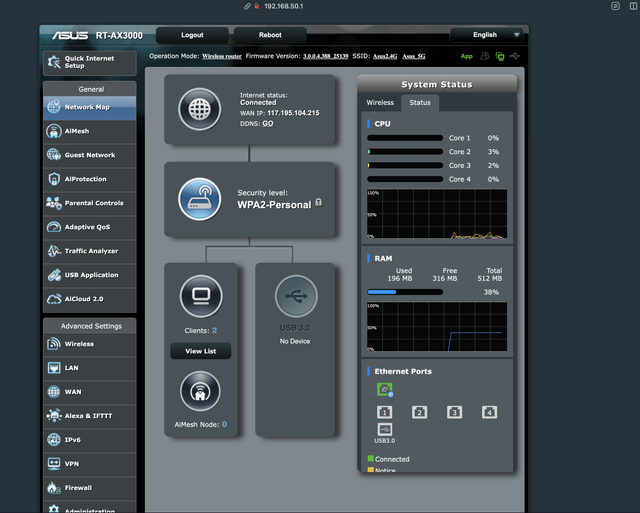
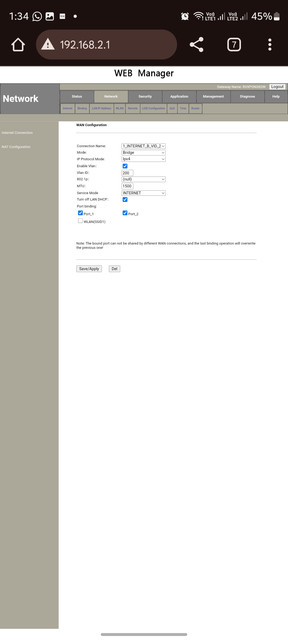
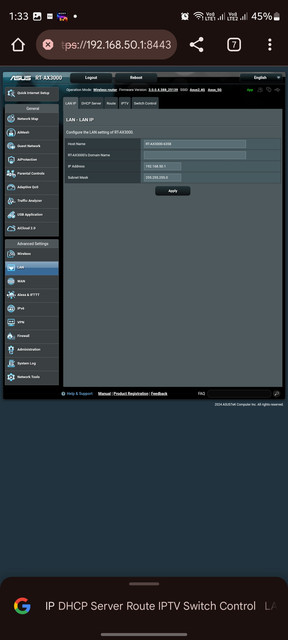
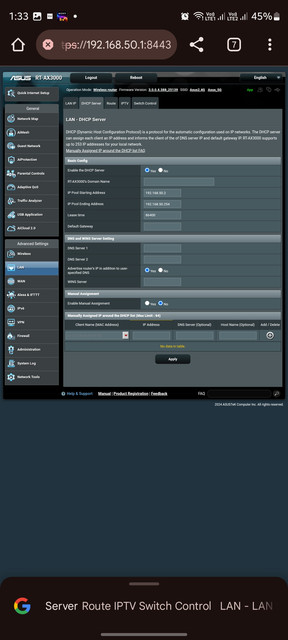
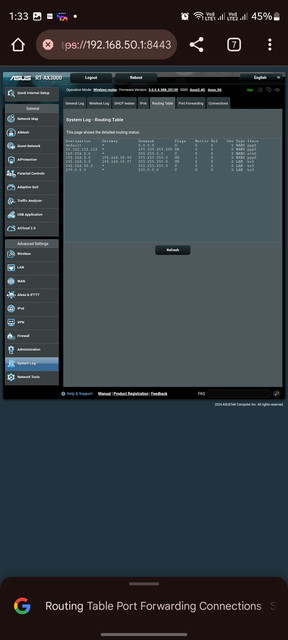
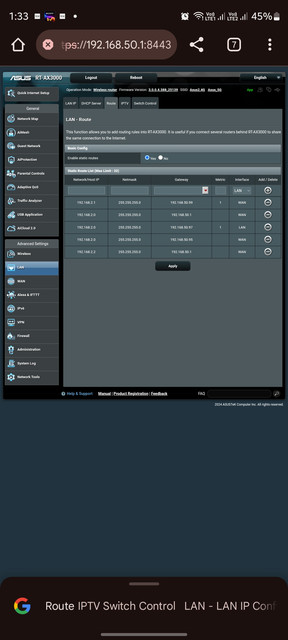
Oh, I thought both devices had openwrt. In this case, you have to get the MAC reset done. From the image, I see that you have disabled NAT, enable it and check first.
Ya , i was dumb , while doing hit and trial , i disabled nat , post enabling that , i got internet.
Reset was not needed , Asus is able to do pppoe using old TP-Linkmac.
Plus i had to enable port binding in ont. I was connecting to port which was not bound in bridge mode.
Was about to mention NAT but seems you've figured it out.
Btw, do your devices (wifi 6 compatible) show 2402 link speed?
It doesn't work for me in auto mode(20/40/80/160). Have to do manually (force 160).
Its strange and hard to figure out if its device side or router side. Even when closer to the router my device still goes for 80 cw instead of 160 cw.
Forcing 160 will work. No problems there!
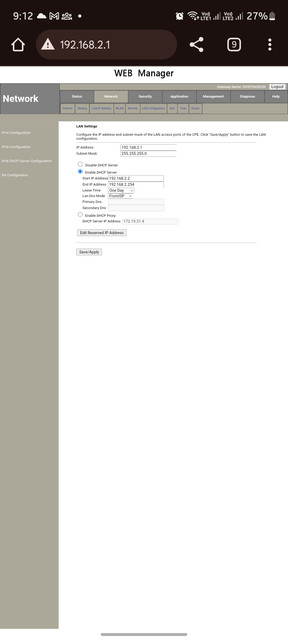
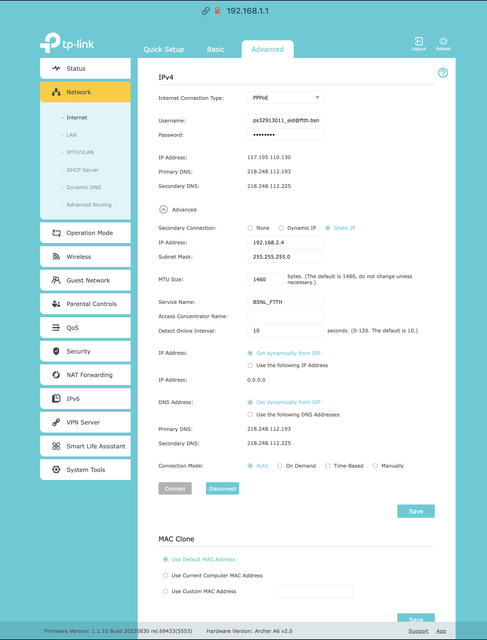
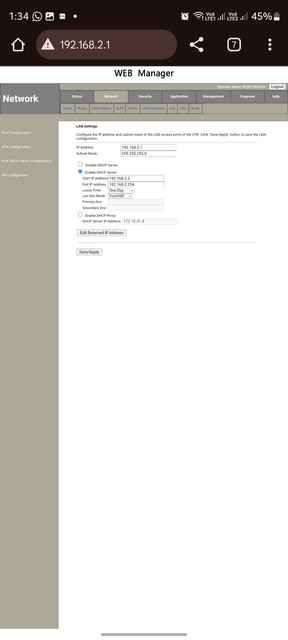
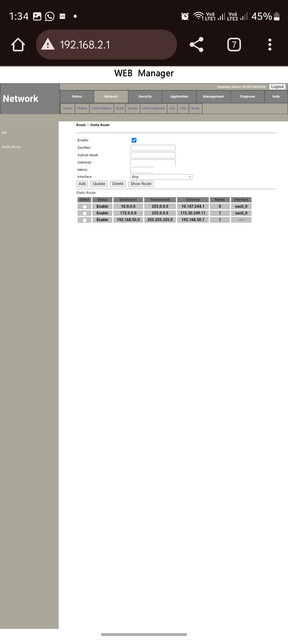
In TP-Link , i was able to access bridged ont web ui (192.168.2.1), by setting up a secondary connection like this.
Any way to do the same thing in Asus ?
This website uses affiliate links. This means that if you click on a link and make a purchase, we may receive a commission. This does not affect the price you pay for the product.
This site uses cookies to help personalise content, tailor your experience and to keep you logged in if you register.
By continuing to use this site, you are consenting to our use of cookies.