TP-Link XC220-G3v XPON Router

  • Thread starter Thread starter sloj
  • Start date Start date
  • Replies Replies 131
  • Views Views 29,839
Just got this. Waiting for fiber patch cord coupler to connect.

XNynZIb.webp
 
Last edited by a moderator:
Hi @sasebruh ,
Thanks for a detailed post and the firmware.
Earlier I was not able to get my VOIP connected. Now I am able to get it connected atleast once.
The problem is still there for me. I have followed your instructions. Initially everything looks fine.
But if I try a outgoing call VOIP fails.
I can see an error message the the SIP server has to be restarted as the interface IP has changed.
Is there anything specific that I have to do to avoid this like setting the Priority of VOIP or the Default Gateway that needs to be used.
It would be better if you can share you settings screen shots.

Thanks
AJITJV
 
@sloj @sasebruh

Can you please share the TP-Link XC220-G3v router file once again?
The link you attached with both of your posts has expired.
I got the router a few days back, seems impossible to configure & yours is the only post so far which seems to be going in the right direction.

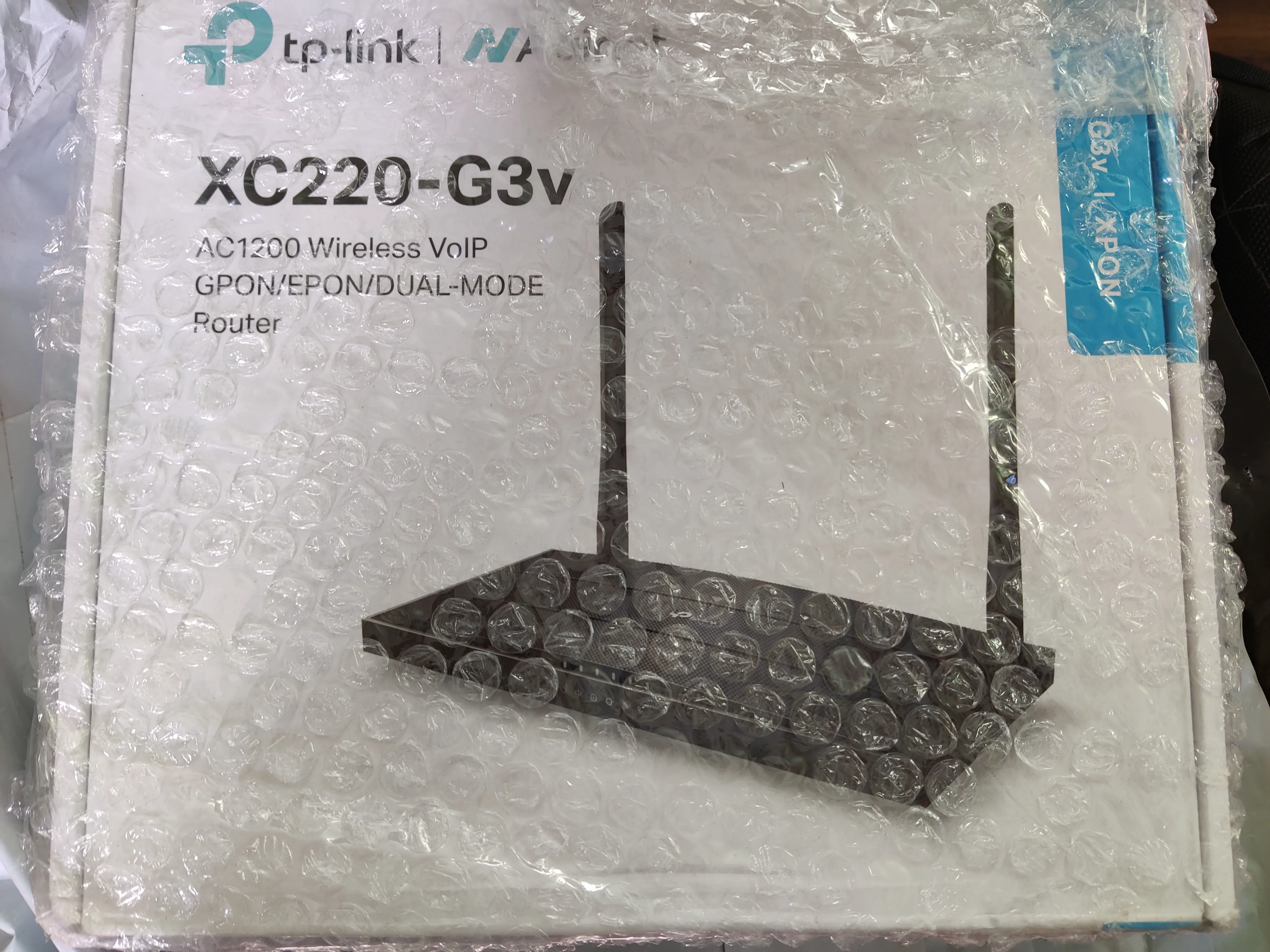
I purchased TP-Link XC220-G3v XPON Router a few days ago.
It worked fine for a day, then the connection started to drop.
According to me, the issue is that my router is not able to connect with the local ISP which is DEN.
I have tried resetting the router, updated the firmware received from YT Channel: MFT Retails Wifi.
I am thankful for his services but I was not able to reach on any solution.
I have also tried Cloning the MAC, by using my previous router’s MAC but still no resolution.
I only have to use the Internet (no VoIP).
Can someone guide me to make this router work?
Thanks a lot in advance.
 
Last edited:
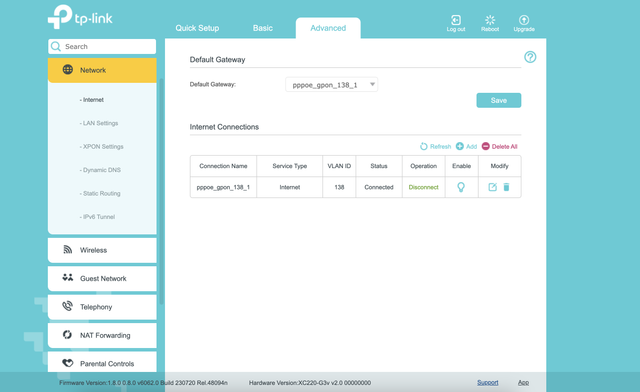
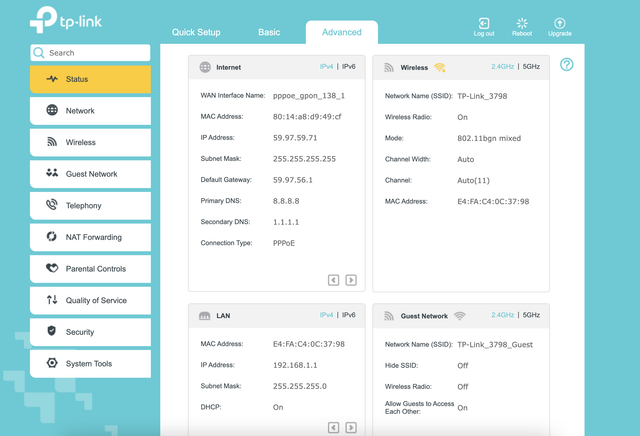
@sloj In Advanced tab, it's showing connected. But in Basic tab it's not connected.
I am using MFT Retails firmware but still not able to access any website.
 
I don't know what could cause the issue. I haven't had any issue configuring before. I would suggest people to not buy it based on issues I have seen so far. It seems the ONT doesn't work well with some ISP and configurations. You can try the latest firmware from the Russian TP-Link site I linked in previous post.
 
@sloth645 @ajitjv you need to perform and full factory reset with that erase GPON option tick marked. only then you have to flash the firmware i mentioned and then entry all the field step by step without any errors or connections. infact even today if i edit the internet connection settings to change my dns i have to repeat all steps from fresh start else my connection of voip keeps dropping.
 
Is there a new firmware yet that works flawlessly with BSNL FTTH along with voice?
I have the custom firmware setup with FTTH but unable to get the voice working.
 
@sloj I am trying to configure this router to be used with my BSNL FTTH.

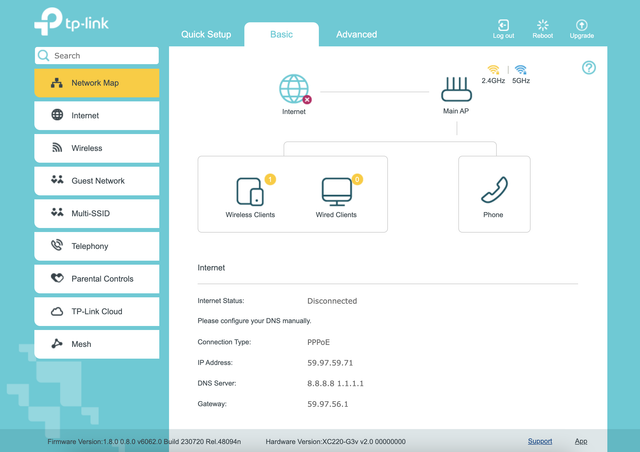
I get this error "Please configure your DNS manually." even though i have manually configured the DNS. Internet is not working, but I can able to ping '8.8.8.8'. Can you help whether my configuration is correct ?


From what I have seen and learnt from issues with this ONT is that using custom MAC doesn't work even though PPPoE connection works. You have to ask LCO to reset the PPPoE MAC binding if you haven't already.
 
  • Like
Reactions: bk~
Back