Windows 10

Dropbox – Windows Apps on Microsoft Store
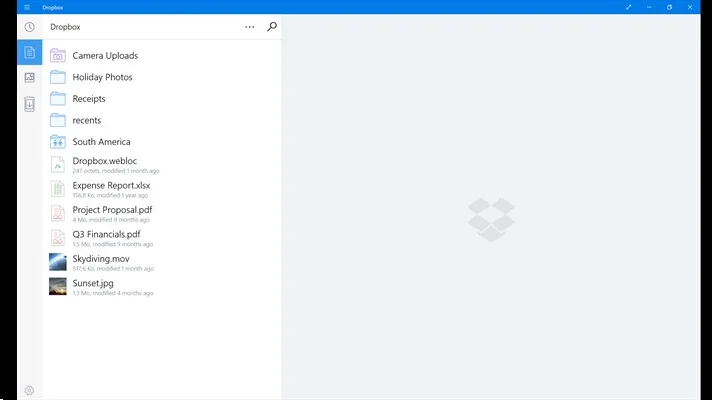
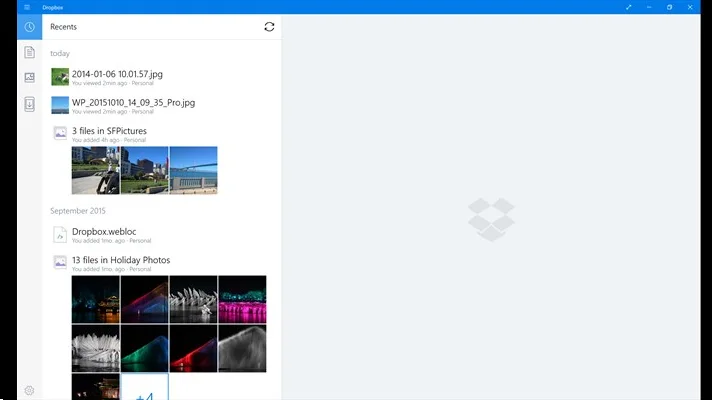
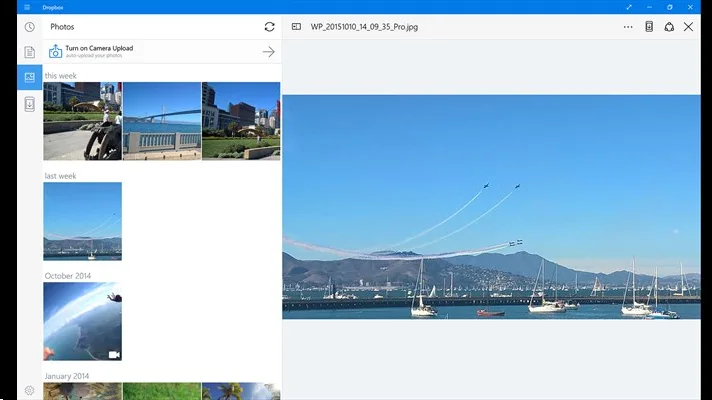
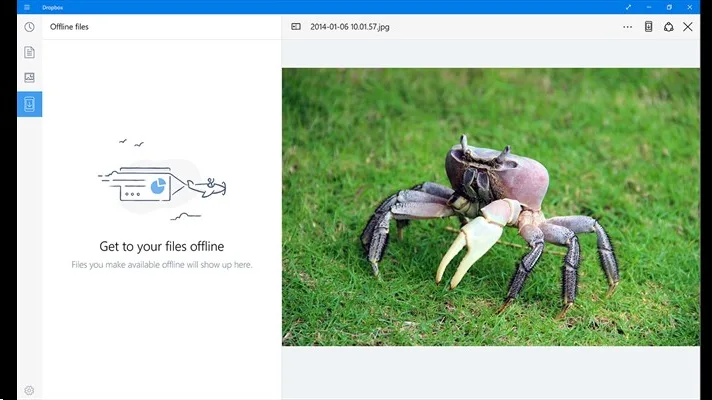
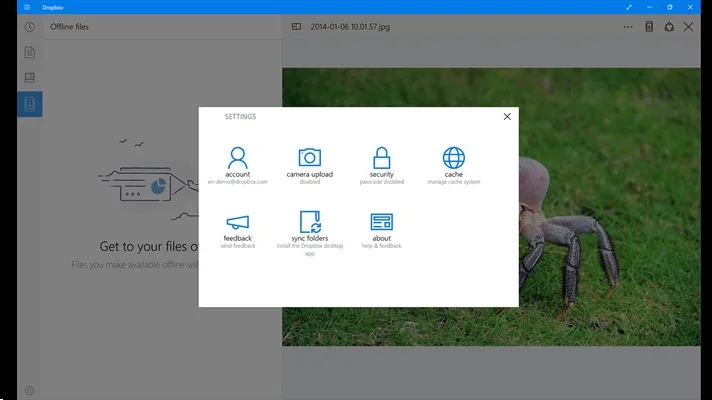
This app provides an optimized experience to view your Dropbox files on touch-enabled tablets. Need to sync your files between this device and others? Install the desktop application to add a Dropbox folder to this device by visiting Install Dropbox on your Windows PC. Dropbox lets you take your photos, docs, and videos anywhere and share them easily. Access any file you save to your Dropbox from all of your computers, phones, tablets, and on the web. With Dropbox you’ll always have your important memories and work with you. And if something happens to your Windows tablet or PC, your stuff is always safe in Dropbox.

SVM18x2.webp
V7RWf2y.webp
gKjEwAA.webp
5LNRSH4.webp
lHlPxuG.webp
 
Last edited by a moderator:
Dropbox and Microsoft expand partnership: Our Windows 10 app is here

Drag and drop files into the Dropbox app from Windows File Explorer—and even between folders within the app—to easily move or copy them
Use Quick Search to find what you need faster. Just start typing a search term to see your results—no need to use the search icon
Set up interactive notifications to accept shared folder invitations without having to launch the Dropbox app
Enable Windows Hello to use your fingerprint, face, or iris to unlock the Dropbox app, for extra peace of mind
Add comments directly on your files, and bring others into the discussion with @mentions
Quickly access recent files using Jump List. All you have to do is right-click the Dropbox app icon in your taskbar
 
Hello every one,
Windows 10 search is not working.
I was facing this issue from very beginning (When i updated from windows 7 to windows 10)
previously restarting the laptop use to resolve the issue but its not working.
Tried some methods which i found on web like disabling anti virus, re starting start process, using rescan command to check windows files for error.
Also tried this
Get-AppXPackage -AllUsers | Foreach {Add-AppxPackage -DisableDevelopmentMode -Register "$($_.InstallLocation)\AppXManifest.xml"} and deleted titlelayer folder in local app data but didnt worked .
Please let me know if you any other solution for this issue :(
 
is searchindexer service running for windows ?
 
Thank you every one problem solved.
Search indexer service was running in the background but today morning i noticed that previously search task wasn't running , i guess that was the issue.
I tried troubleshooting option but it couldn't found any issues.
Then i tried to re index and left the laptop and today morning after re index search was still not working.
Re started the system and problem solved.
BTW any one aware what exactly triggers this issue ?
This issue seems to be common with all windows 10 users am surprise to see that Microsoft hasn't fix this issue yet . :/
 
Back