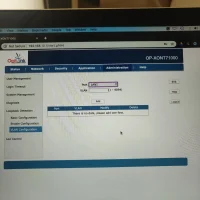
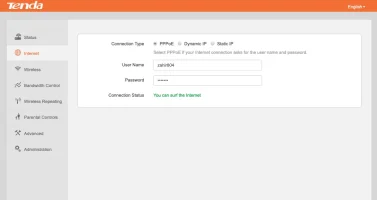
@stringer.6OptilinkONT, check-in the interface for bridge mode. Enable it, bind it to LAN1, connect the router to LAN1. I assume your ISP is using DHCP. So you can easily figure that out in the Tenda router config.
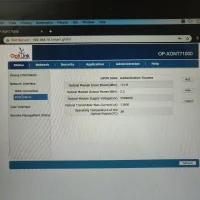
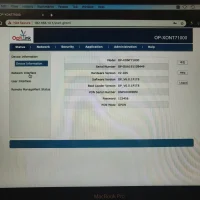
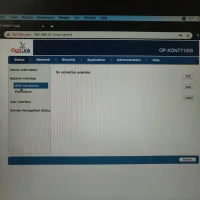
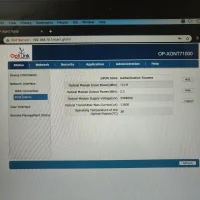
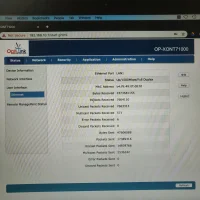
@stringer.6 I am curious, do you mind sharing the screenshots from the Status page? Status --> Network Interface --> WAN Connection and PON information?
Thanks @stringer.6, so it looks like you are already in bridge mode (due to the lack of any WAN profiles). Could you please share a screenshot of the Tenda UI? A similar status page where IP address and other details are mentioned is what I am looking for.
To get the above images, did you have to use a different device?
@stringer.6 If you are getting NAT type 2 (moderate) that's the best you're going to get with your ISP.
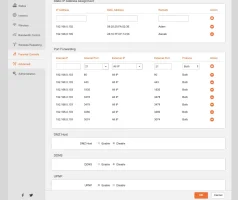
You can't do anything unless you pay for static IP and open all the ports if you are isp offers that.
This website uses affiliate links. This means that if you click on a link and make a purchase, we may receive a commission. This does not affect the price you pay for the product.
This site uses cookies to help personalise content, tailor your experience and to keep you logged in if you register.
By continuing to use this site, you are consenting to our use of cookies.