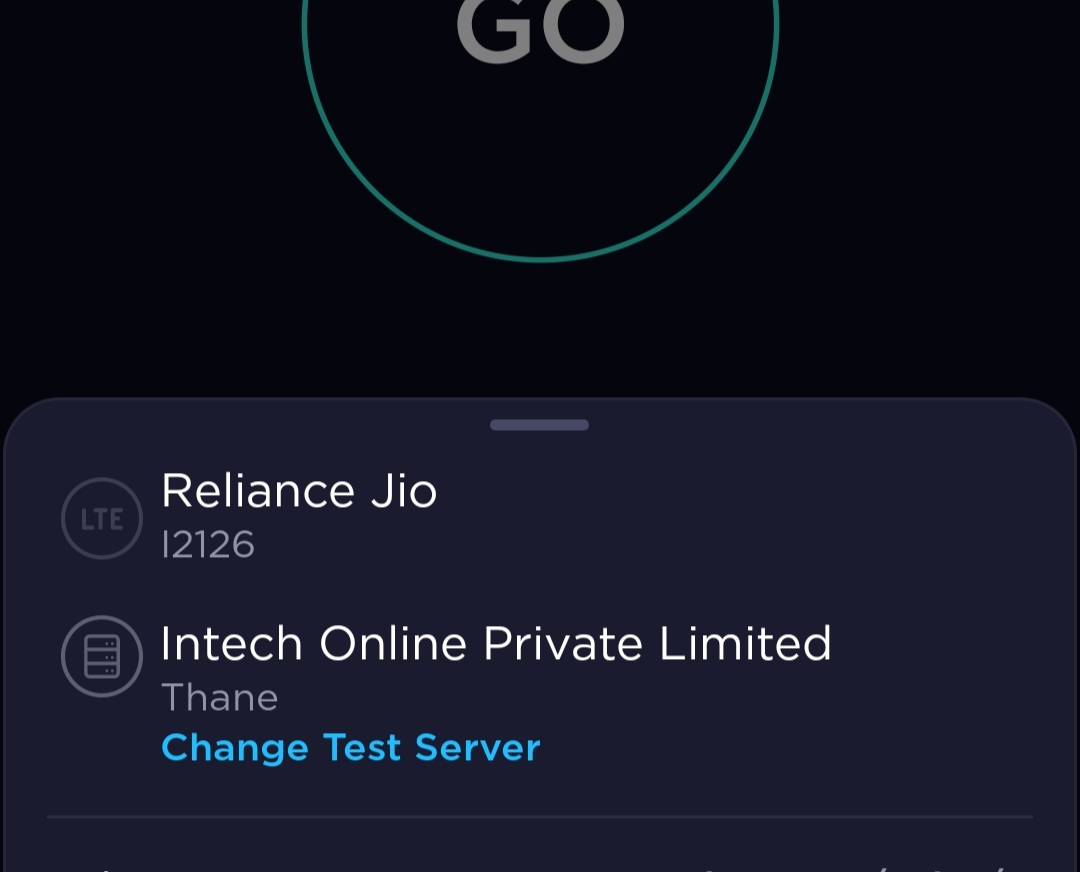
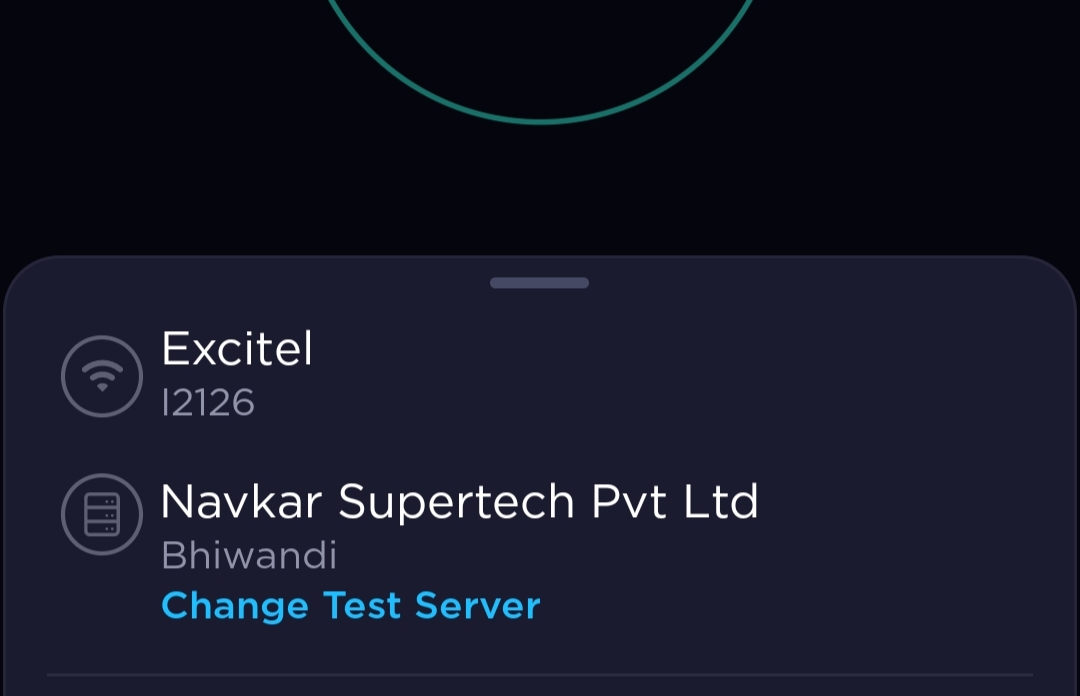
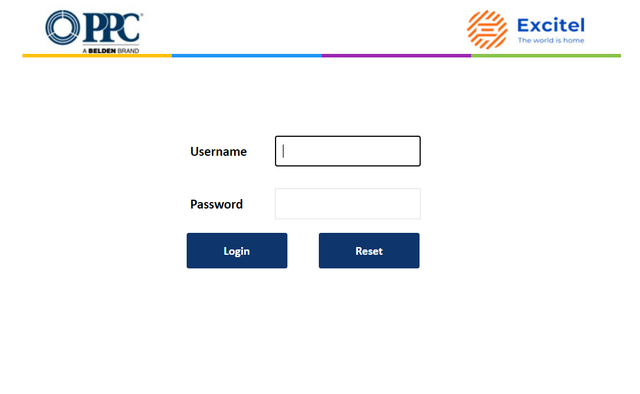
@Life_Warrior your gateway had a different UI before?
Mine was the same except excitel logo. 1 month ago the Excitel logo on the top right was blue instead of the new orange one. Is it possible to change that remotely by excitel?
Room where my third router is placed (Can you spot 2 CAT6 cables amongst the chargers & AC cables?) I mean my main router was mess as I've already posted. This is below the table of third router & my second router is even in more terrible condition as CAT5e & CAT6 cable has been bundled around it
Probably my routers are sick of the way I organize them
Mine was the same except excitel logo. 1 month ago the Excitel logo on the top right was blue instead of the new orange one. Is it possible to change that remotely by excitel?
yep, same UI with old logo, it changed automatically few months ago.
Yes they can remotely do that, like they've a SSID "www.excitel.com" which I got disabled through customer support only. I guess they've all access of routers.
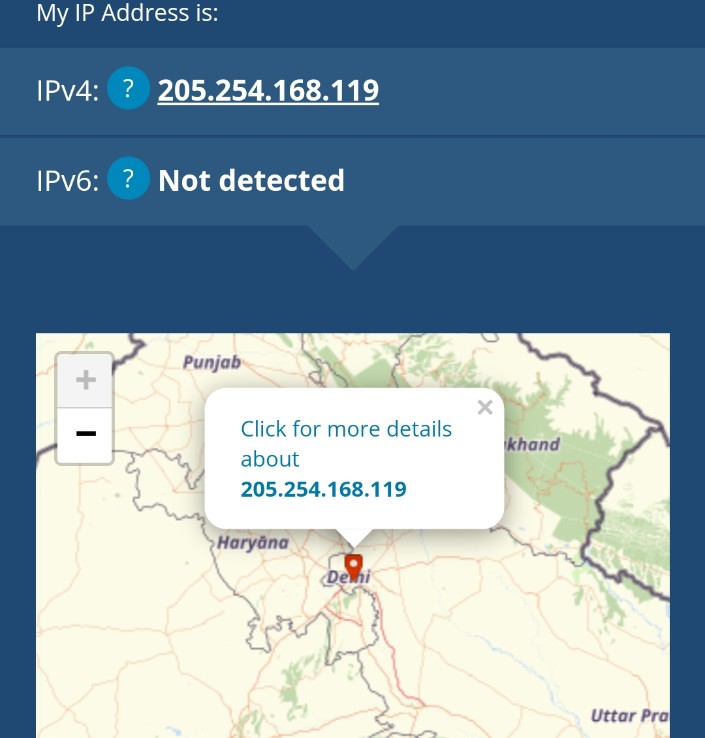
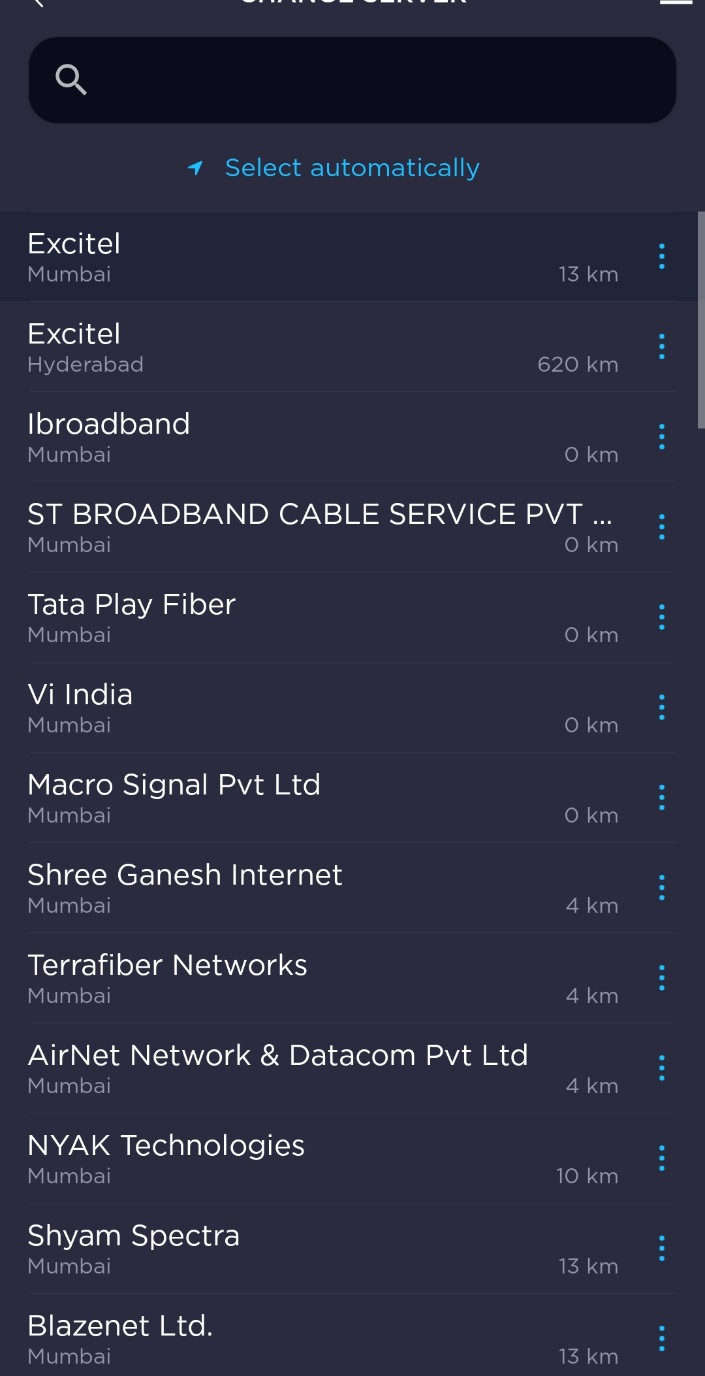
Is probably a bug in the speedtest system, or the geolocation of the IP address you are receiving, because I get any servers except Mumbai by default and I don't know why. Pings on these auto servers are much higher than the one selected manually.
Also, my speedtest server lookup looks exactly like yours.
Speedtest selects server based on the location of the IP. If your connection is at Delhi but the IP provided to you has location Mumbai, then you will get speedtest servers based on Mumbai unless you turn on your device location and give location access to speedtest in which case you will get servers from your own location.
@nishantt6969 The Setup is cool but I don't know whenever I see routers & ONU's mounted on wall with wires it makes me uncomfortable. I remember in 2020 i thought why not to mount my router to the wall. I did it and from the second day it made me soo uncomfortable looking at it that I put it on my table and it's there since then. Maybe who know what is it but really weird. So you have 3 routers with 2 ISP' right?
Wow... they can remotely do all that. But I think it's fine as many people won't understand how to configure the router or solve any problem causing issue.
This website uses affiliate links. This means that if you click on a link and make a purchase, we may receive a commission. This does not affect the price you pay for the product.
This site uses cookies to help personalise content, tailor your experience and to keep you logged in if you register.
By continuing to use this site, you are consenting to our use of cookies.


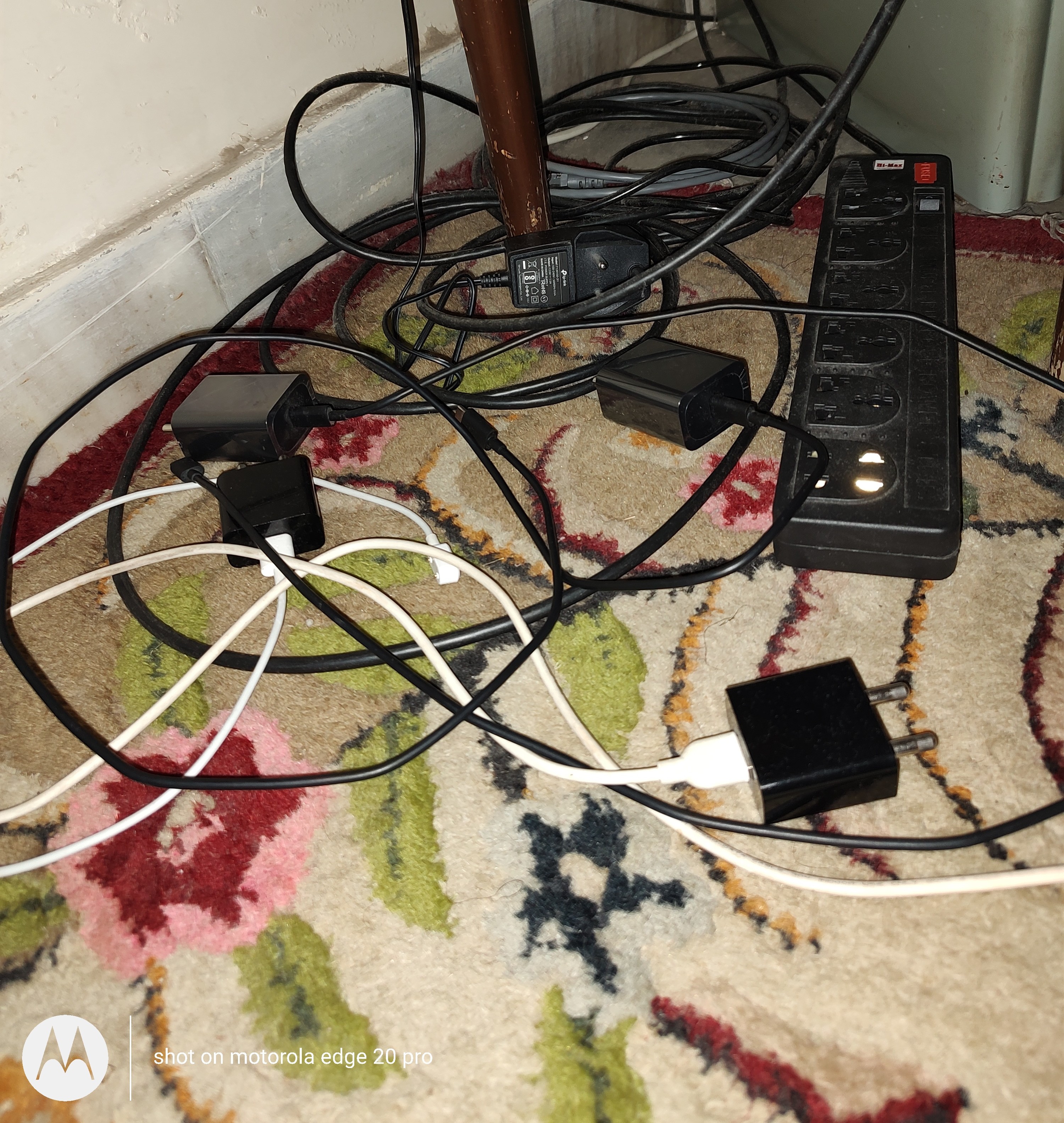
 I mean my main router was mess as I've already posted. This is below the table of third router & my second router is even in more terrible condition as CAT5e & CAT6 cable has been bundled around it