Netlink Bridge Mode without port / mac reset

  • Thread starter Thread starter pothi
  • Start date Start date
  • Replies Replies 174
  • Views Views 48,322
What was the total amount? Was it β‚Ή8239 +19%gst
Guess around 9804?
And does this plan have that next year 20% reduction? Cuz I can't see that on website. 20% offer only available for 849 plan for now.
 
Btw IIRC there was a 150Mbps plan last month listed on Kerla BSNL site with some Circle Specific Number. Now it is removed. Maybe it was some mistake.
 
No I'm on monthly plan.

I tried the annual option of the 777 plan when it was initially launched but since it was not as expected, I got the plan changed to monthly. Later switches to 749 plan.

The Hotstar plans doesn't have the cashback scheme, so you probably have to pay for 11 months or so plus tax.

For cashback enabled plans you pay for the whole 12 months plus tax and you get 25% cashback of the pre tax amount. Not so great.
 
Btw IIRC there was a 150Mbps plan last month listed on Kerla BSNL site with some Circle Specific Number. Now it is removed. Maybe it was some mistake.
Wish they bought it for around 1k - 1.5k with 800gb - 1tb data
That would so sweet 😍😍😍
 
I've ordered a Huawei HG8010H EPON ONT few days back from AliExpress just to have one as backup. πŸ˜…πŸ˜… Came to Rs 1000 or so incl shipping.

Most of the Huawei models doesn't support both EPON and GPON together so have to buy the appropriate model. If anyone's interested, the HG8310M is the GPON model.

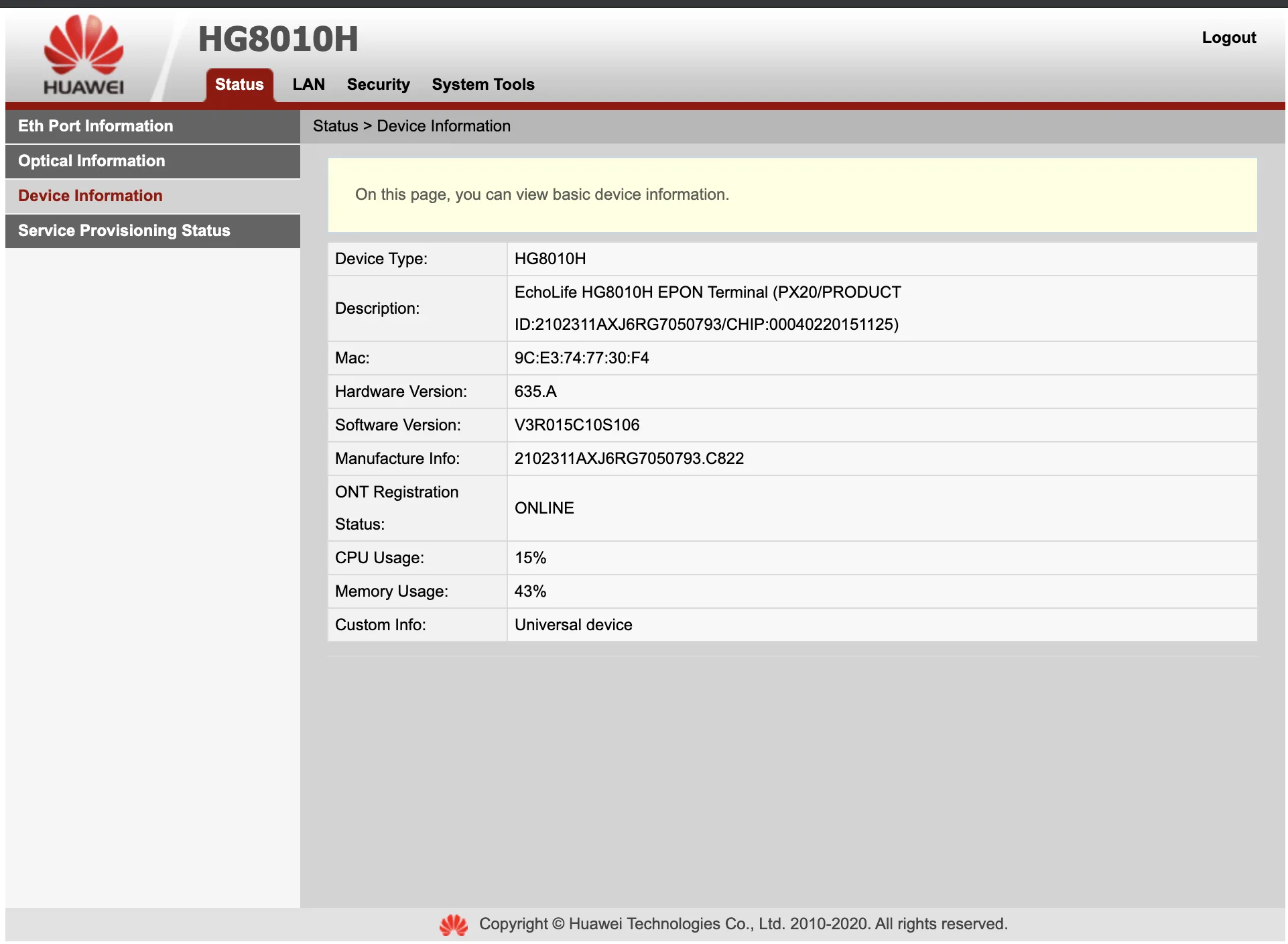
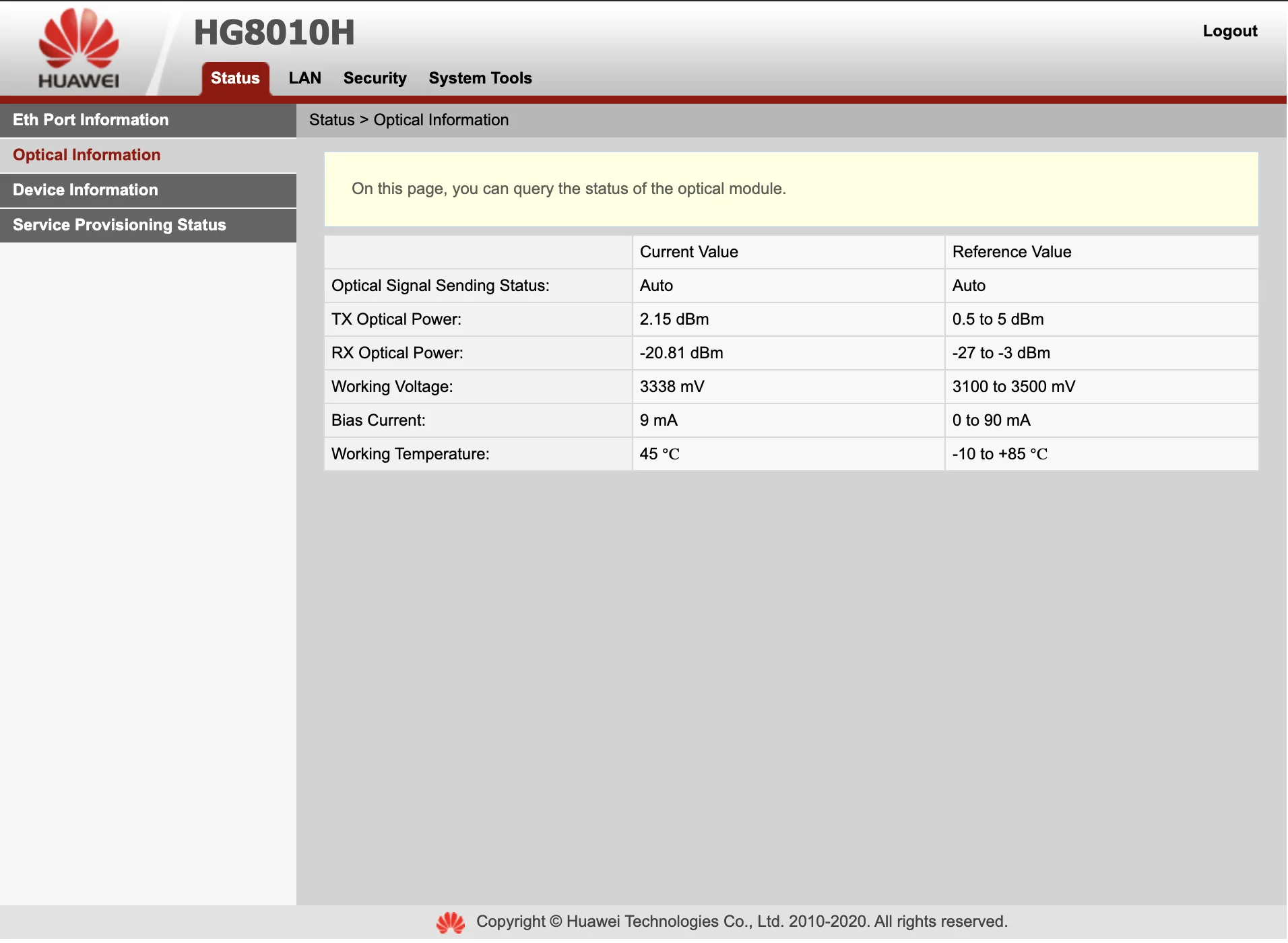
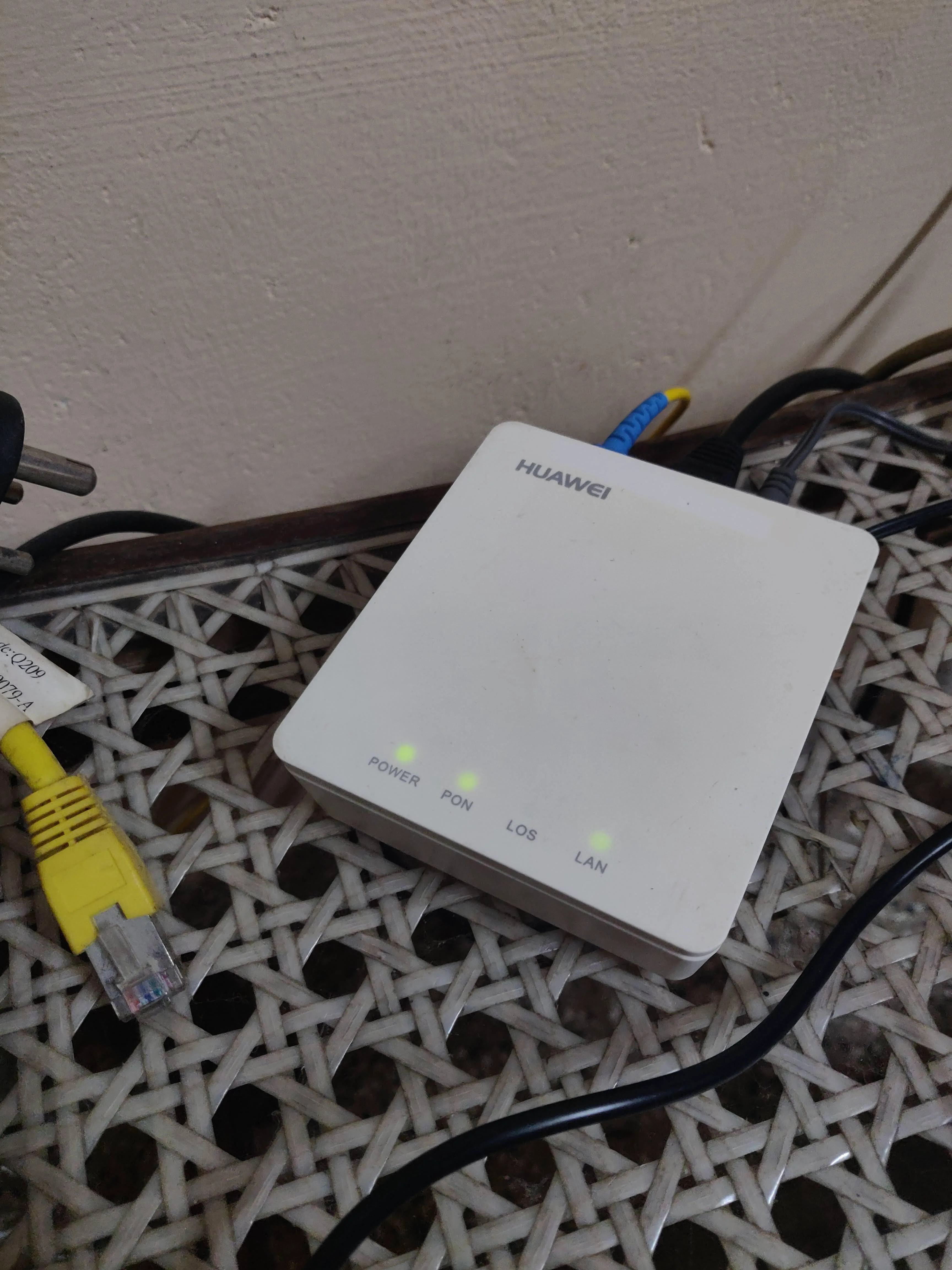
Got my Huawei HG8010H ONT today, small and compact device. It's just a basic modem, the config UI is basic and just displays optical, system, ethernet parameters.

RbaNrBi.webp


Twg7SXg.webp


The LAN page just allows you to change the management IP address, and the Security page has a MAC filter.

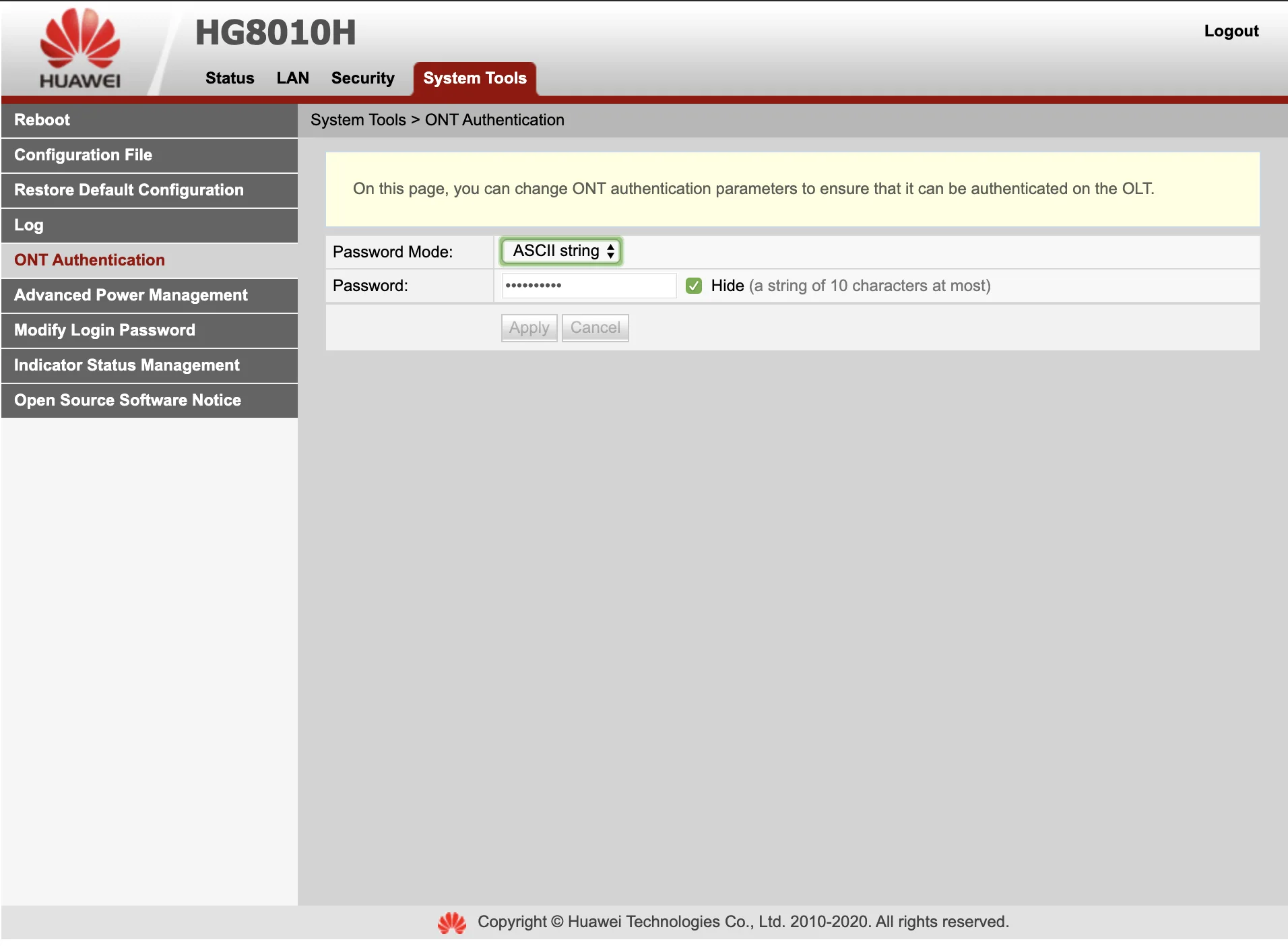
On the System Tools page there is an ONT Authentication option where you can define the password for authenticating with the OLT, my LCO OLT doesn't require authentication so it doesn't apply to me.

qiMMxtI.webp


No config change was required, I could simply remove my existing Netlink ONT and replace it with this. Zero configuration on the Huawei side as it works as a transparent bridge, no need to even set the VLAN ids etc as that is defined on my main router.

Also the Huawei consumes just 2w power whereas the Netlink used to consume 4w. :p

jRHG9q1.webp
 
Last edited by a moderator:
Back