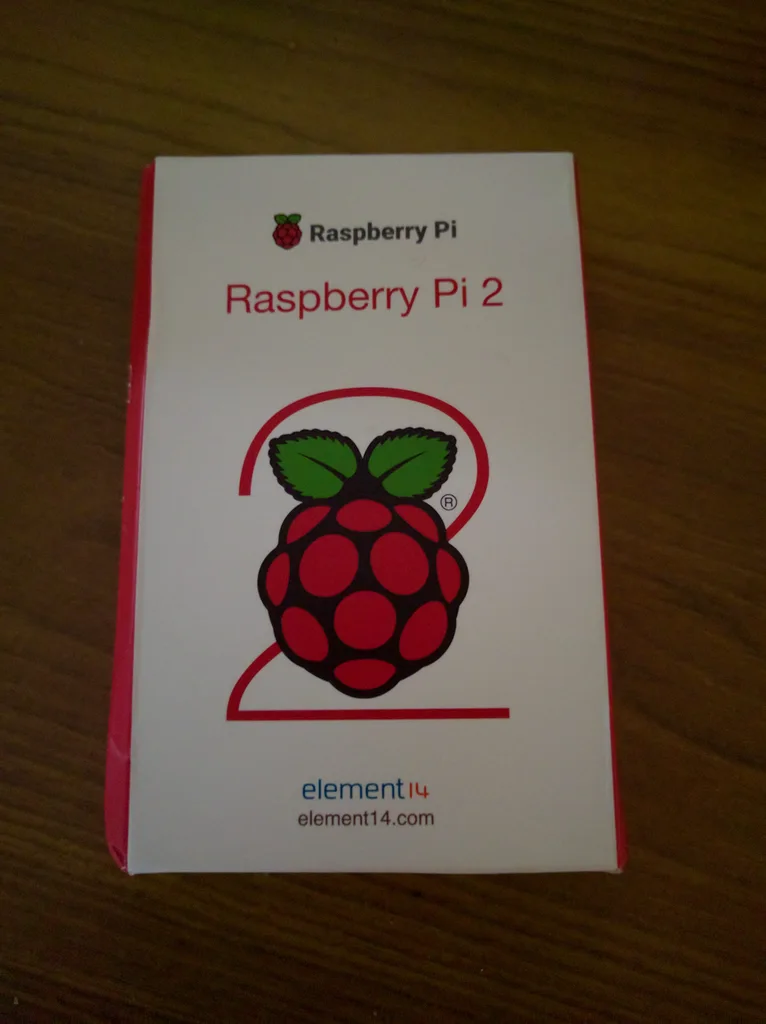
Raspberry Pi 2

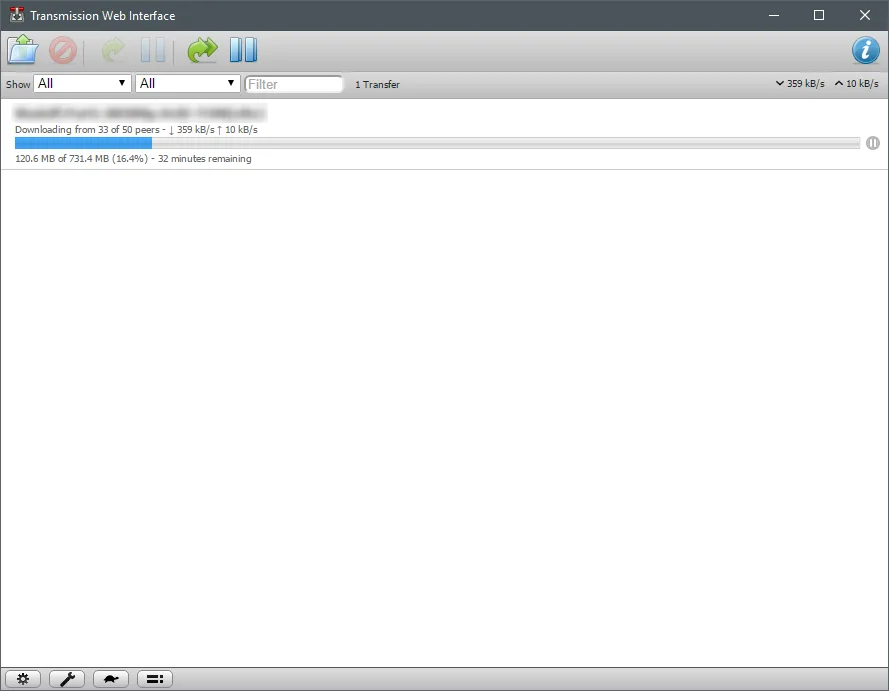
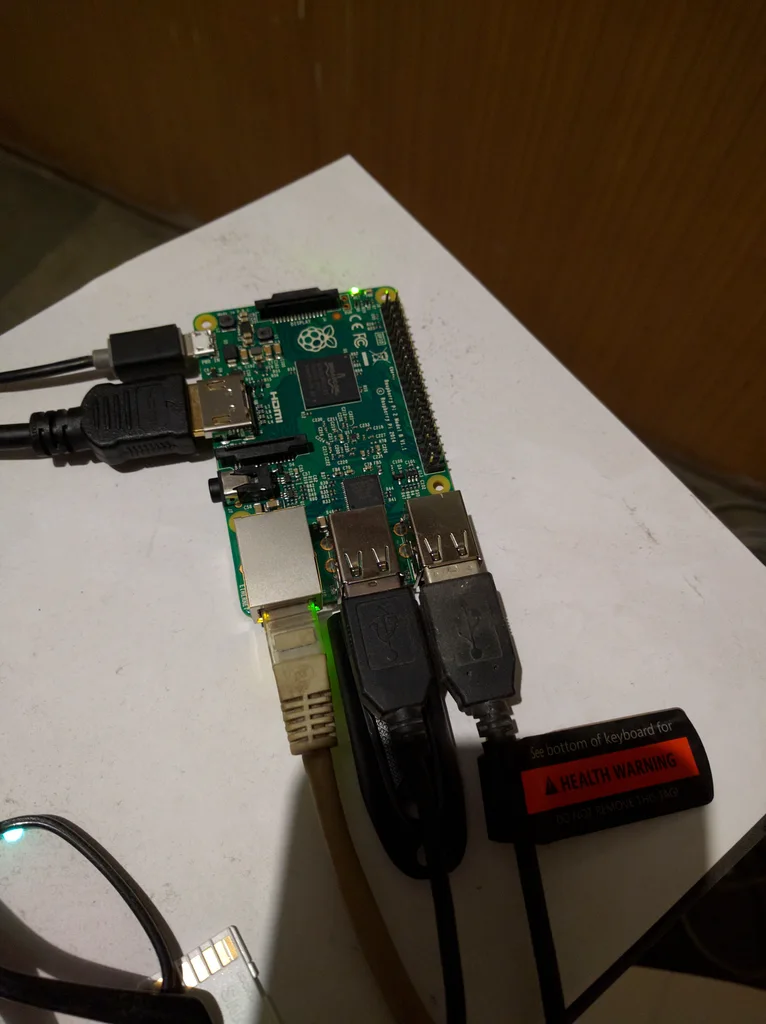
Got it on recommendation from @Nishant and @vedantlath. Vedant helped me install and configure. Right now it's able to connect to VPN and download torrents. I also plan to use it to keep the Reliance Broadband auto-login script running 24x7.

Amazon.in: Buy Raspberry Pi 2 - MODB - 1GB - Quad core Online at Low Prices in India | Raspberry Pi Reviews & Ratings
TJTCAuTh.webp


XToVsVbh.webp


jNirhX5.webp
 
a 64GB cheap pen drive should be fine for you. there is no point in getting high quality ones unless you are downloading at 100mbps or something.
 
Also if you are going to use the pen drive only on Pi, format it using Ext4 file system. Linux handles Ext4 much better than FAT32 or NTFS. Also, FAT32 has a 4GB size limitation per file. Avoid using NTFS file systems on linux. The SATA HDD which is connected on my Banana Pro board is formatted using Ext4 file system.
 
I was using vFat (pen drive came with that) and I was having issues downloading torrents with long file names. Formatted it to ext4 and have not seen any issues with a few test torrents I ran in the last couple of hours.
 
I heard 3.5 inch external drives last much longer than 2.5 inch drives. If you're not going to using it for portability I suggest you to go for WD My Book drives. Only downside is it comes with external power adapter.
 
haha. i already have too many things requiring a power socket here... i am going to burn the power socket someday!
 
Also if you are going to use the pen drive only on Pi, format it using Ext4 file system. Linux handles Ext4 much better than FAT32 or NTFS. Also, FAT32 has a 4GB size limitation per file. Avoid using NTFS file systems on linux. The SATA HDD which is connected on my Banana Pro board is formatted using Ext4 file system.

NTFS will actually be much better on a pen drive cos you can remove it and plug it to a Windows computer too. Linux works fine with NTFS using the ntfs-3g driver. With ext4 you will have to try some utilities to read the data from the pen drive (if you plug it into a Windows computer that is).

NTFS is better than FAT because it has journaling so there's a much lower chance of the filesystem getting corrupt. OTOH it isn't as portable, it might not work if you directly connect the pen drive to your TV or other consumer electronics.

Essentially, if its easy to connect the storage media back to a Windows computer, use NTFS or FAT.
 
Right. NTFS is definitely a better idea if you're going to use the drive on a Windows system or a TV. Also, from what I've read is that NTFS-3g is a resource hungry module. Wouldn't that affect the overall performance of the pi?
 
Pi 2 has a quad core CPU so I doubt the performance impact will be noticeable. It also won't have I/O heavy workloads unless you also use it as a media streamer.

If you need top-most performance without caring about comfort then ext4 is best.

btrfs is a good choice if you want to use nice features like (atomic) snapshots, RAID, etc.
 
Back