@raman07 He didn't show the router in the video and moreover he seems to be an employee who can get speeds over 800mbps. If @sudeshgaba04 has checked that in the user manual, there should be some merit to it.
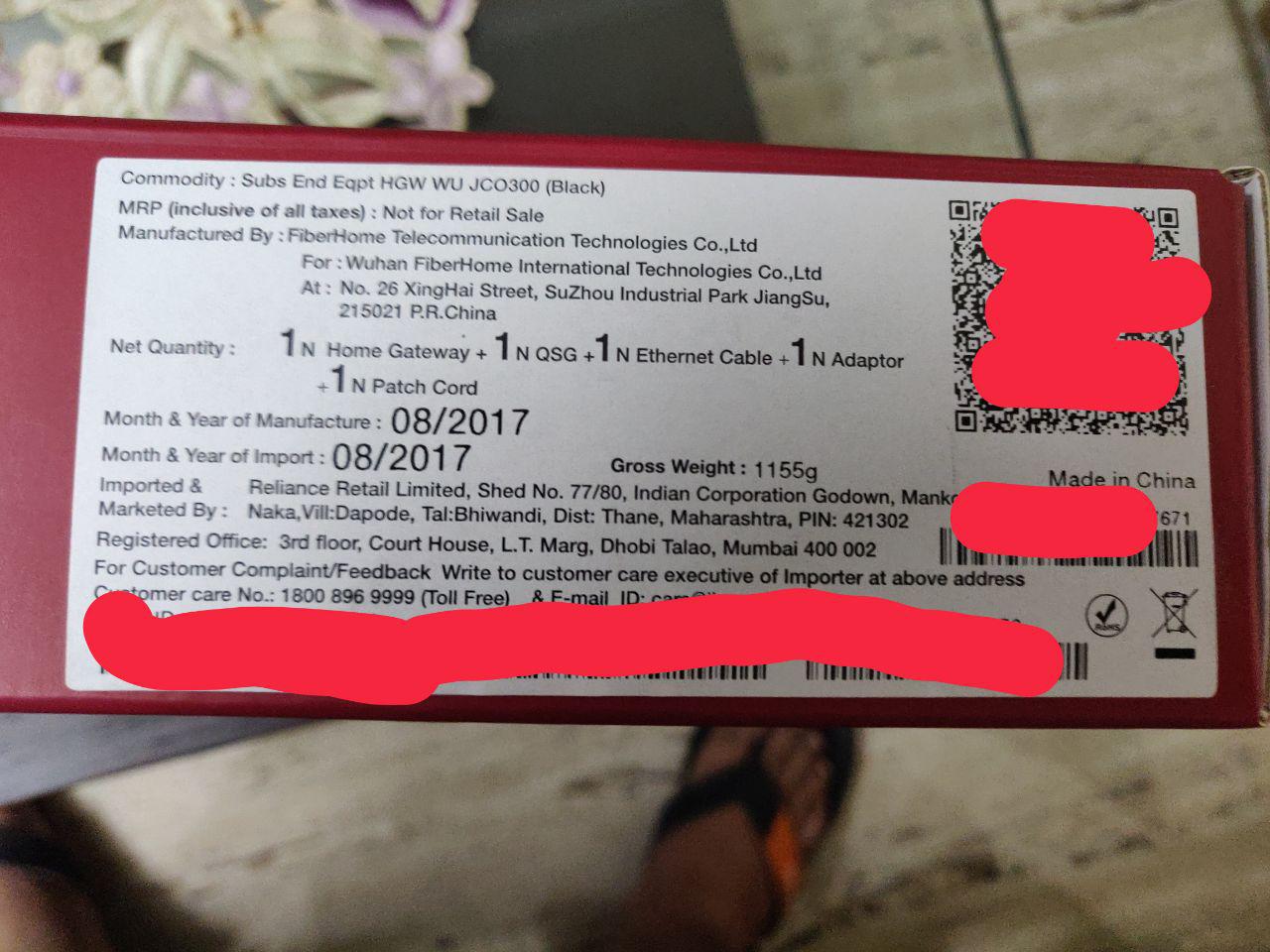
@undercover I have also white Jio GigaFiber JCO500 and I just want to verify that what is the hardware and firmware version difference between white JCO500 and black colour JCO300 Jio GigaFiber routers because both are dual band and having security fee Rs4500?
Q1. What is your Jio Gigafiber black colour JCO300 dual band Rs4500 WiFi router device's "Hardware version" and "Firmware version"?
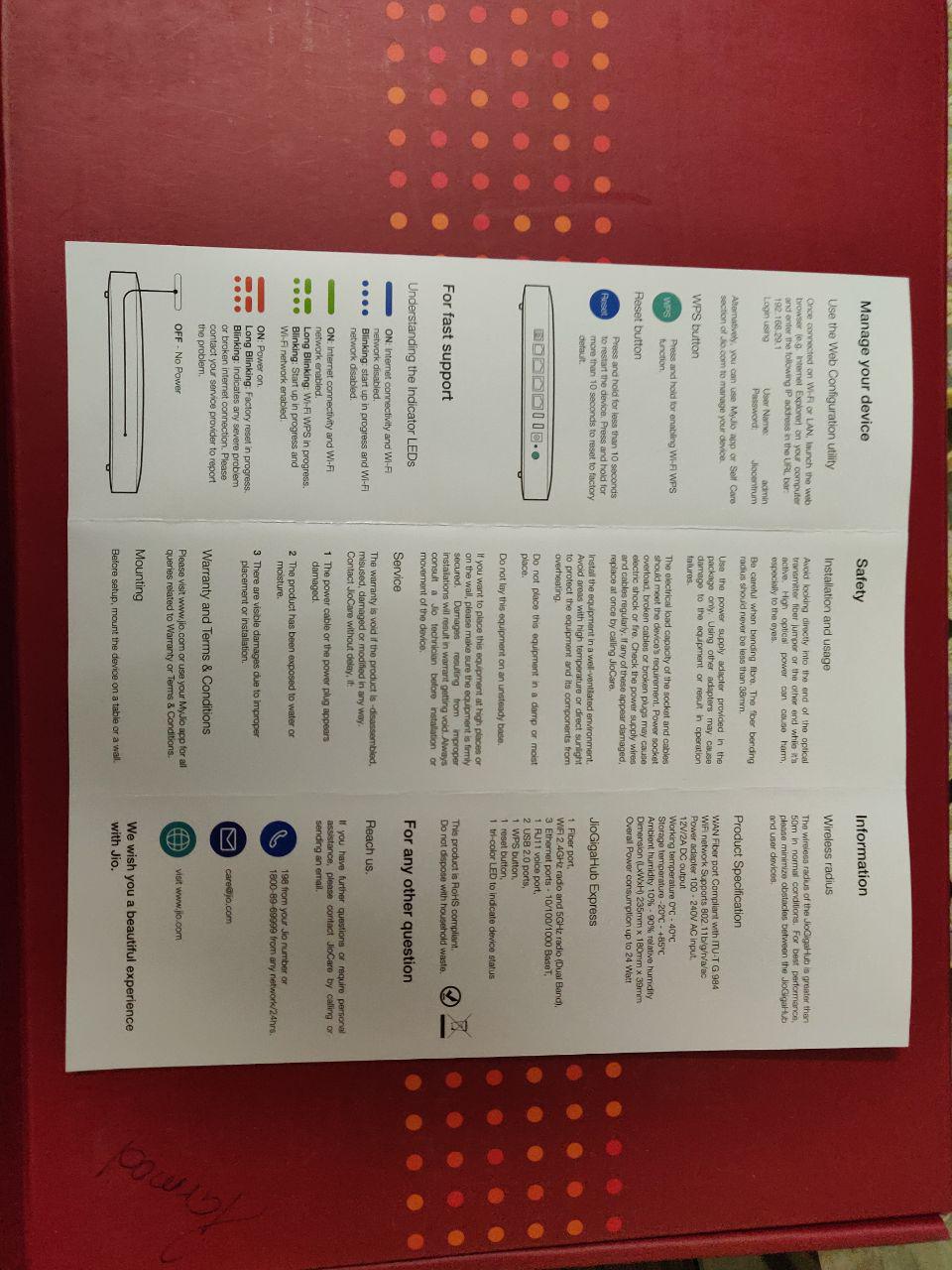
[Note:- To check this, you have to visit on Jio GigaFiber login page by typing 192.168.29.1 on browser url of mobile or PC (only work when device is connected with Jio GigaFiber) and then put default User Name is admin (small "a") and password is "Jiocentrum" (capital "J") then go to Status» Device Status» System Information.
(provide the full detailed number of hardware and firmware). ]
Q2. What is current Firmware Date? To check this go to Administration» Maintenance» Firmware Upgrade.
@Deb_1 On my Jio fiber on the 2.4 GHz i used to get around 65-70Mbps but now its down to 50-55Mbps and on the 5GHz it used to be between 98-100Mbps its now 94-98Mbps
@Deb_1 On my Jio fiber on the 2.4 GHz i used to get around 65-70Mbps but now its down to 50-55Mbps and on the 5GHz it used to be between 98-100Mbps its now 94-98Mbps
Mine is even low , at the time of connection it was 52 around , now its around 45 on 2.4 GHz and 5 Ghz it fluctuates from 85 to 95. And if you are testing through there Jio Nagpur server, so it shows even low sometimes 30- 50 on 5Ghz.
This website uses affiliate links. This means that if you click on a link and make a purchase, we may receive a commission. This does not affect the price you pay for the product.
This site uses cookies to help personalise content, tailor your experience and to keep you logged in if you register.
By continuing to use this site, you are consenting to our use of cookies.