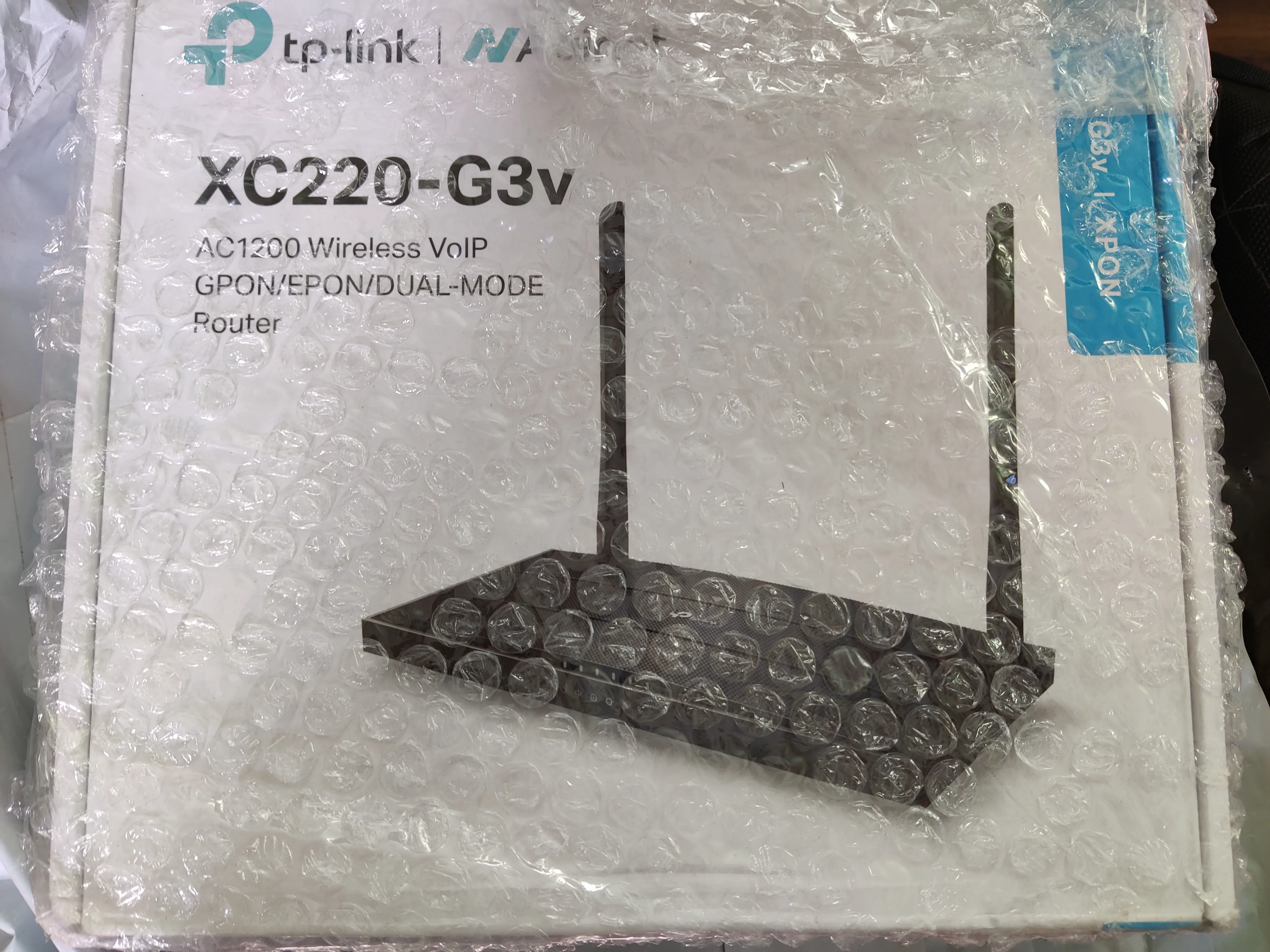
So your connection is GPON based, mine is EPON. The firmware is provided by a user from the TP-Link community who had the same issue and tplink support provided the firmware. The ONTs were not meant for retail sale and hence they don't provide the firmware on their site.
Mine is xpon to but it says GPON in starting after fresh flashing/clean format and without attaching the fiber cable the onu stays in gpon mode. By default all xpon related settings are name as "gpon" in this onu. Eg: gpon s/n under internet>xpon setttings>.... thats where your gpon password is entered if provided by local exchange team... as soon as you connect fiber cord the onu registers and it will show EPON in that menu for bsnl ftth users. Still on factory reset page there is check box saying reset gpon settings. So maybe they forget to update that. Also without that gpon password my onu does not get paired with olt and no ip is assigned. Mac binding+ this seems to be some additional security measures
That is just the way it is. When patch cable is connected the system tries to automatically identify the type of PON. What does the status page show for PON type?
It says EPON registered. The GPON credentials visible for the 1st time before plugging cord are for local ont registration. You can find people online saying TP-Link does not have tec or tp link is not in verified equipment list etc. Technically this is what stops them from switching fibee routers. Customer is unaware for such pairing technique. If i dont fill it my onu gets open but dhcp ip is not alloted to it.
Yes, I know about the MTCTE portal list. My OLT registration is simple. I don't need to do anything, just plug and play. Your connection seems to be GPON based on what you described. EPON doesn't need password, except whitelist of devices that can be connected to OLT and some OLT are just open like the one my ONT is connected to.
I had ask the bsnl team and they told me local ont is from Huawei it has password for authentication and their system is also xpon and by default they run EPON India wide unless a private vendor decides to use GPON . After my router boots up it shows epon in the xpon settings. May be TP-Link just kept name gpon in that start menu because similar thing is seen on factory restore page & am sure it will say gpon in your factory reset page as well. Also because of this local ont i have to enter "+"91 in the voip setup so it must vary depending on location. I also wanted to ask about configuration of Zoiper and i did read your article only thing is i did not understand what the destination address should be? something like 10.0.0.0 was mentioned in most videos if there is any detailed video which can explain me then please share it with me.
Then I guess yours has a LOID configured for EPON and that's why you need to input a password, TP-Link just didn't separate the password page for EPON and GPON. The ONT shows EPON because it detects EPON but the way you wrote everything was a little confusing. I have reset everything a couple of times on the ONT and I don't need to do anything else like I said. You have the same firmware as I and so everything written on the UI is also the same, no doubt about that.
Also you are using the term ONT wrongly. OLT is what they have on their end, on your end it's ONT.
I no longer use the VOIP configuration for PC. That was just a little itch I had to scratch. Can't guide you but all I can say is read that post again and see what you missed. I mentioned Resource Monitor there.
Yes am sure the all this firmware related issue has caused because they were expecting to sell this via service providers and non of them showed interest as there are a lot many options present which is why they started selling it to us and hence the broken software. Screenshots those menu's where it says EPON and also says GPON on other page.
Compatibility issues are expected. You are just assuming things. Screenshot says EPON because your connection is EPON, nothing more to it.
And for VOIP, it's already mentioned in my post. You will at least have to visually understand how things are connected. Even if I tell you that it will be 10.0.0.0 in the destination, it still wouldn't work. Figure it out, I can't guide every single user anymore.
@sasebruh Can you please provide me the firmware. Actually I wont find any option to input LOID and password. Hope the firmware you have will solve my issue as well.
This website uses affiliate links. This means that if you click on a link and make a purchase, we may receive a commission. This does not affect the price you pay for the product.
This site uses cookies to help personalise content, tailor your experience and to keep you logged in if you register.
By continuing to use this site, you are consenting to our use of cookies.


 saying reset gpon settings. So maybe they forget to update that. Also without that gpon password my onu does not get paired with olt and no ip is assigned.


