Reliance Jio Wi-Fi Calling (VoWiFi) launched officially

There is some problem with Jio WiFi.

It is connected to Jio WiFi when there is even a slightest Jio (Normal) is there. As soon as that normal is not available. It says No Service and doesn't connect to Jio WiFi.

Basically to even connect to Jio WiFi I need to be in Jio (Normal)'s range (very slightly).

It is happening on iPhone 7. Checked on two different sims with two different iPhone 7 (Different Batches).

It is not happening with Airtel on iPhone 8.

All the Devices are Up to Date in iOS and Apps.

Even if you re-start, it doesn't connect to Jio WiFi unless I go back near to road or window where there is slight Jio (normal) available.

(Broadband Checked: Excitel and JioFiber).
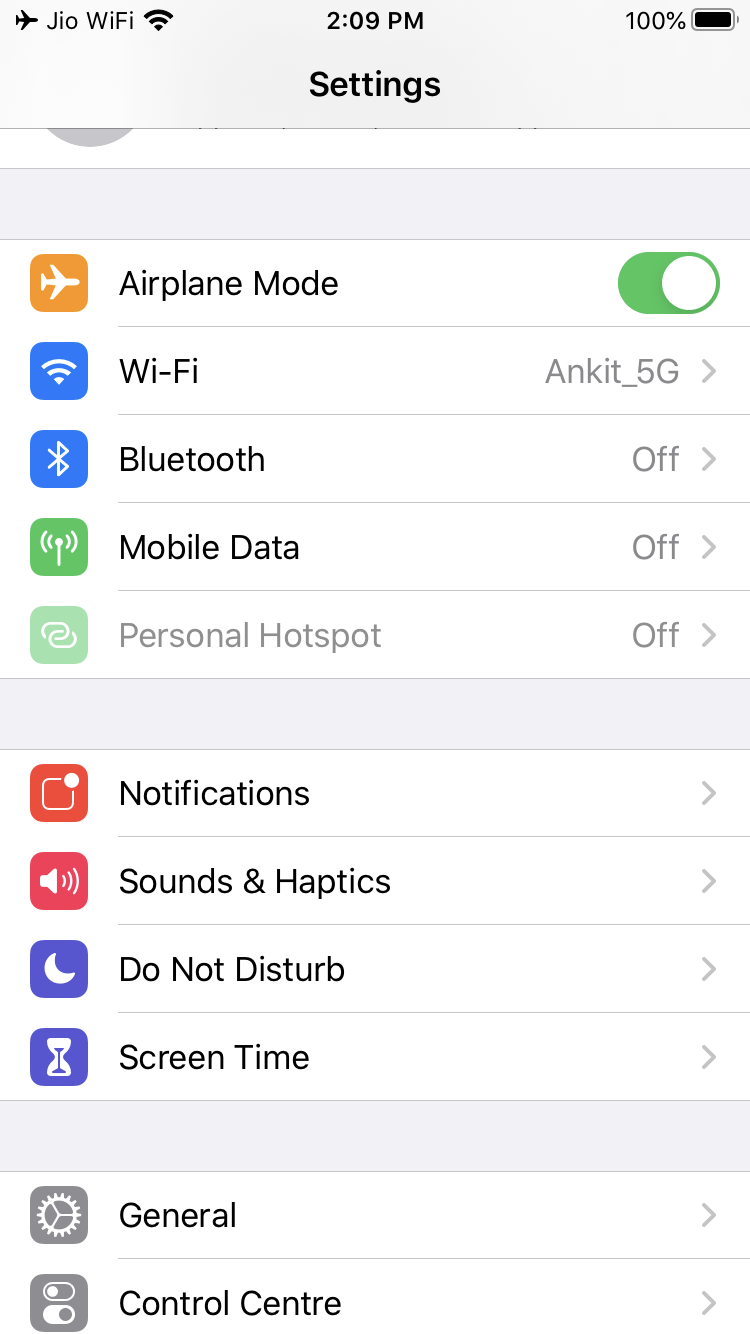
I have no problem atall in Iphone 7.Even Jio Wifi works in Airplane mode.
U06KI2a.png
 
Last edited by a moderator:
Basically, JioWiFi is not working even in AirPlane Mode if I am standing on Road. It was working fine on the first day of Jio WiFI Launch. But after 2 days of that, it is not working properly.

How it can be a problem with Phone when it's two different phones, different batches.

What to do?

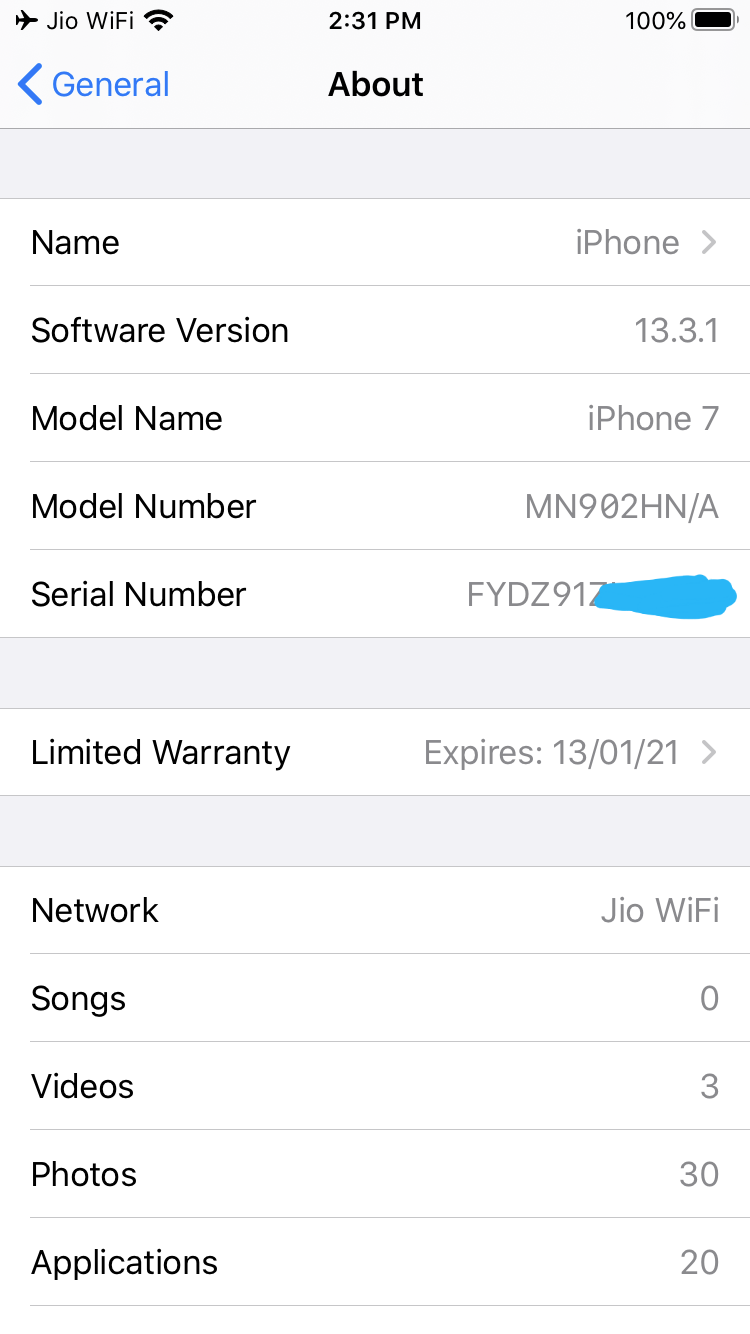
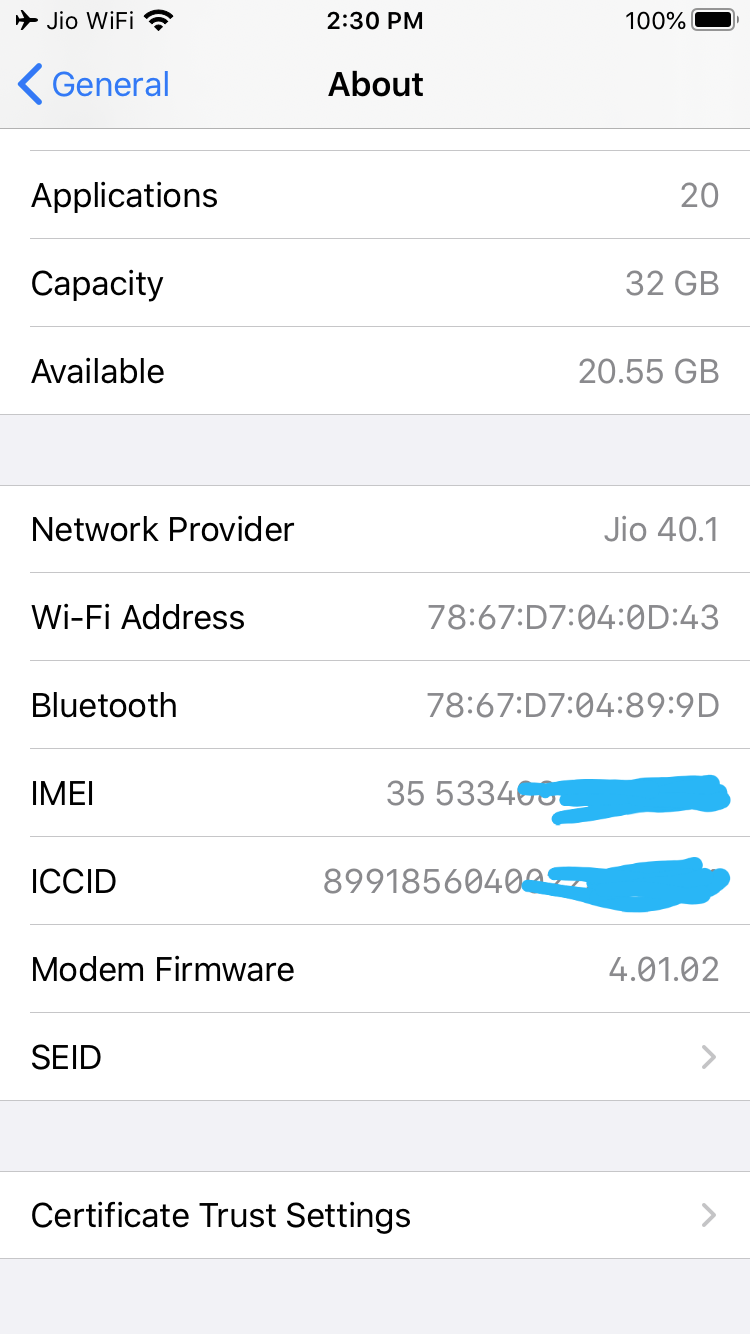
What is the Firmware Version of your Modem of iPhone and iOS version and any other versions?
 
If I restart my phone in Airplane mode, it doesn't connect to JioWiFi.

@Ak5877 If you could do one test for me.

Go to AirPlane Mode.
Keep your WiFi Connected.
Restart iPhone
Don't make any more changes and see if you connect to JioWiFi within the AirPlane Mode? (Wait for at-least 5 minutes)
 
We both have same Modem and all those firmwares.

@Ak5877 If you could do one test for me.

Go to AirPlane Mode.
Keep your WiFi Connected.
Restart iPhone
Don't make any more changes and see if you connect to JioWiFi within the AirPlane Mode? (Wait for at-least 5 minutes)
 
We both have same Modem and all those firmwares.

@Ak5877 If you could do one test for me.

Go to AirPlane Mode.
Keep your WiFi Connected.
Restart iPhone
Don't make any more changes and see if you connect to JioWiFi within the AirPlane Mode? (Wait for at-least 5 minutes)
No it does not i have to re enable network and then after keeping wifi on in flight mode it connects to jio wifi.
 
Yeah. That is a problem. That is what I am saying. It should connect to the network if you have sim in the phone + working WiFi is there.

If we could confirm the same with the people who own Airtel?

If Airtel doesn't have this issue, it means Jio has not implemented it properly.

Because if you go in an area where there is no network and if your phone sends total dead last signal to Jio. No matter what, Jio WiFi wont connect.

That is what happening with me right now.
 
Back