Okay people here is an update, and a very interesting one at that.
If you all are following I got the Airtel
Nokia G2425G-A
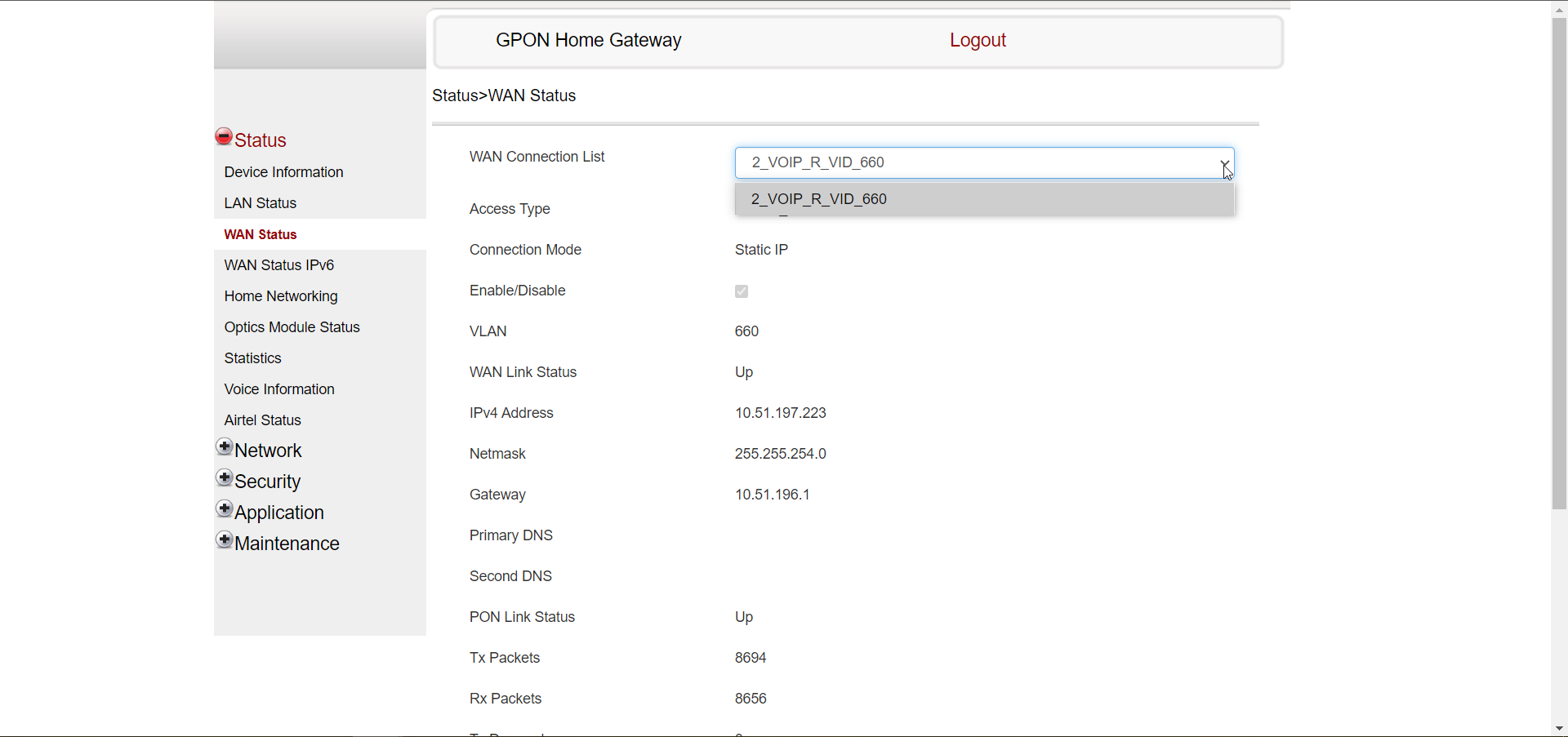
Router installed yesterday. The WAN Settings were totally locked in the Router, could not change or delete the Internet Connection which was making the PPPOE connection.
Today morning the Airtel Person called to ask me to check if I am able to try the bridge connection again. I thought maybe they have unlocked the settings and I can change the WAN Settings. I checked the WAN Settings but they were still locked. I had switched Port 4 to Bridge mode and connected it to the WAN port of my
Asus router.
Now is the surprise.
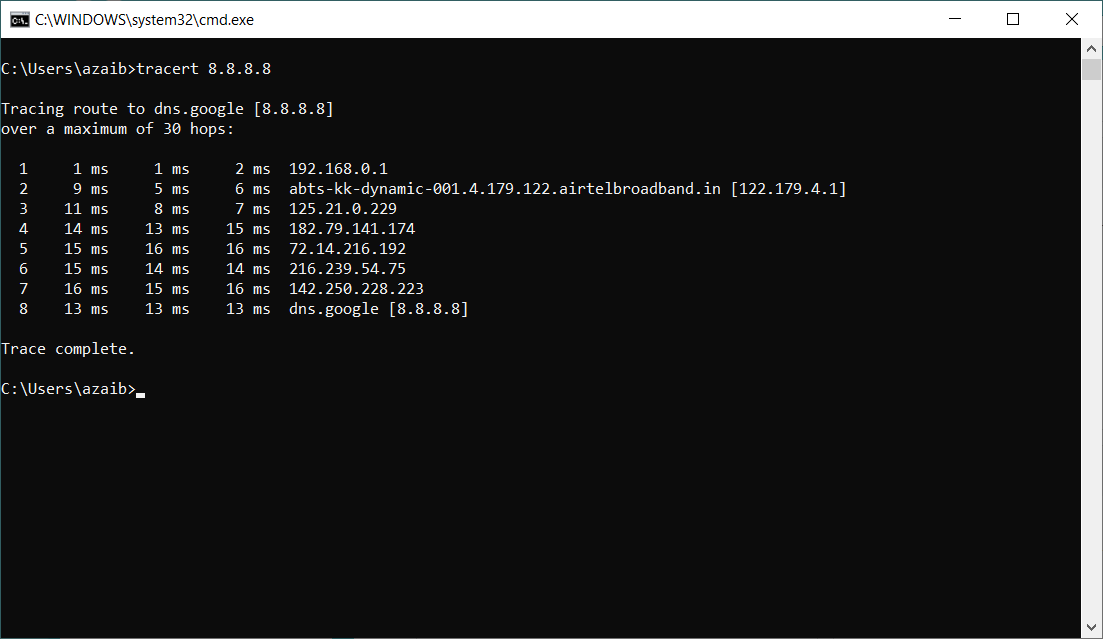
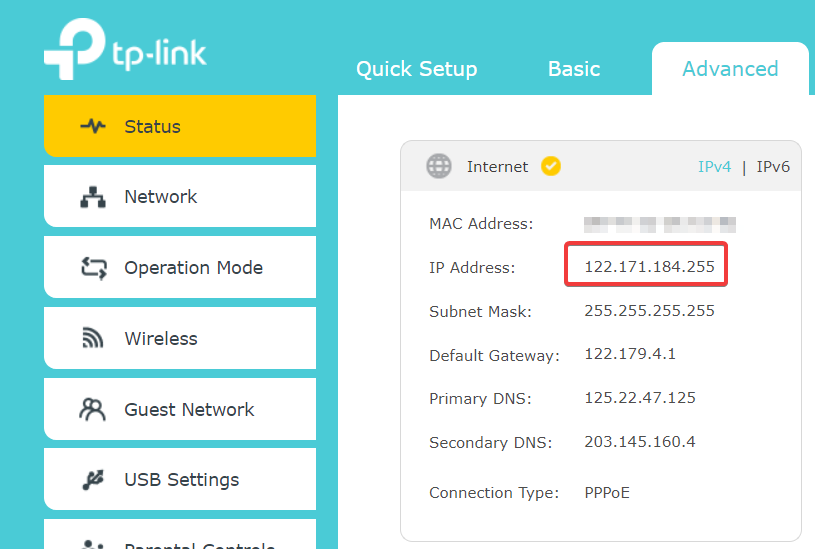
Both the Nokia and ASUS have made PPOE connections and both have got different Public IP Addresses.
Internet is working through my ASUS (Wireless and LAN, Subnet 192.168.0.1) and also through the Nokia G2425G-A (Through 1-3 LAN Ports and through the Wireless, Subnet 192.168.1.1)
But here is the catch. I have taken a plan of 200 MBPS, and I was getting over 200 MBPS through the NOKIA before this happened.
After Airtel did something in the backend to allow 2 PPPOE Logins for the same account the speed on each has been capped at 100 MBPS.
I made no changes in Either of the two modems except for putting Port 4 of the Nokia Modem on Bridge mode.
I am confused - whether I should be happy to get 2 public IPs with the speed split or would I be better off to get full 200 MBPS on the ASUS Router through bridge mode.
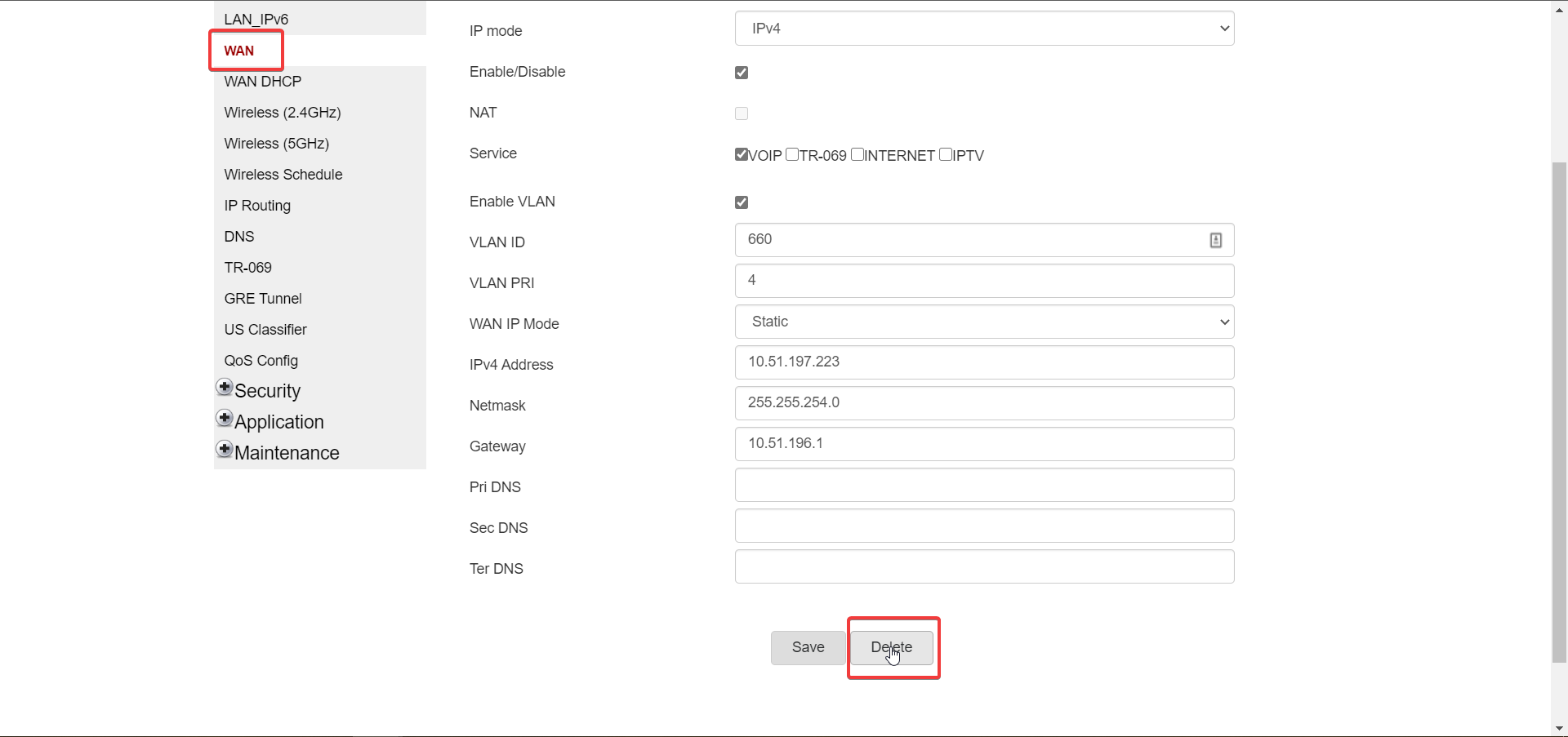
I think this is exactly what they did for ten24bytes too. They enabled 2 PPPOE Logins for the same account, and internet works through both the Nokia and the bridged Router through different Public IP Addresses. ten24bytes deleted the PPPOE connection in his Nokia, ten24bytes
I would just recommend you to check for speed. Are you getting full plan speed through the bridged connection ?
I have to report back to the Airtel Technician on this, I don't know what to tell him.