Airtel Xstream Bridge Mode Nightmare: Total Network Blackout & Error 651 🤬 Body:

  • Thread starter Thread starter zitto
  • Start date Start date
  • Replies Replies 17
  • Views Views 297
Birader @zitto, you made a huge mistake by asking Airtel to guide you with enabling bridge mode.
You can only enable bridge mode on a Nokia G-2425G-A using the Port Mode settings if you are lucky, as I was. I could put any port into bridge mode myself and it worked perfectly fine but as you have already noticed, your port turns itself off the moment you put it into bridge mode. Trust me, you're not alone as a ton of folks have faced the same issue.
The other mistake was to put all the ports into bridge mode, which, one should avoid.
As for WiFi, you probably should have tried enabling it from the WiFi button at the back before resetting.

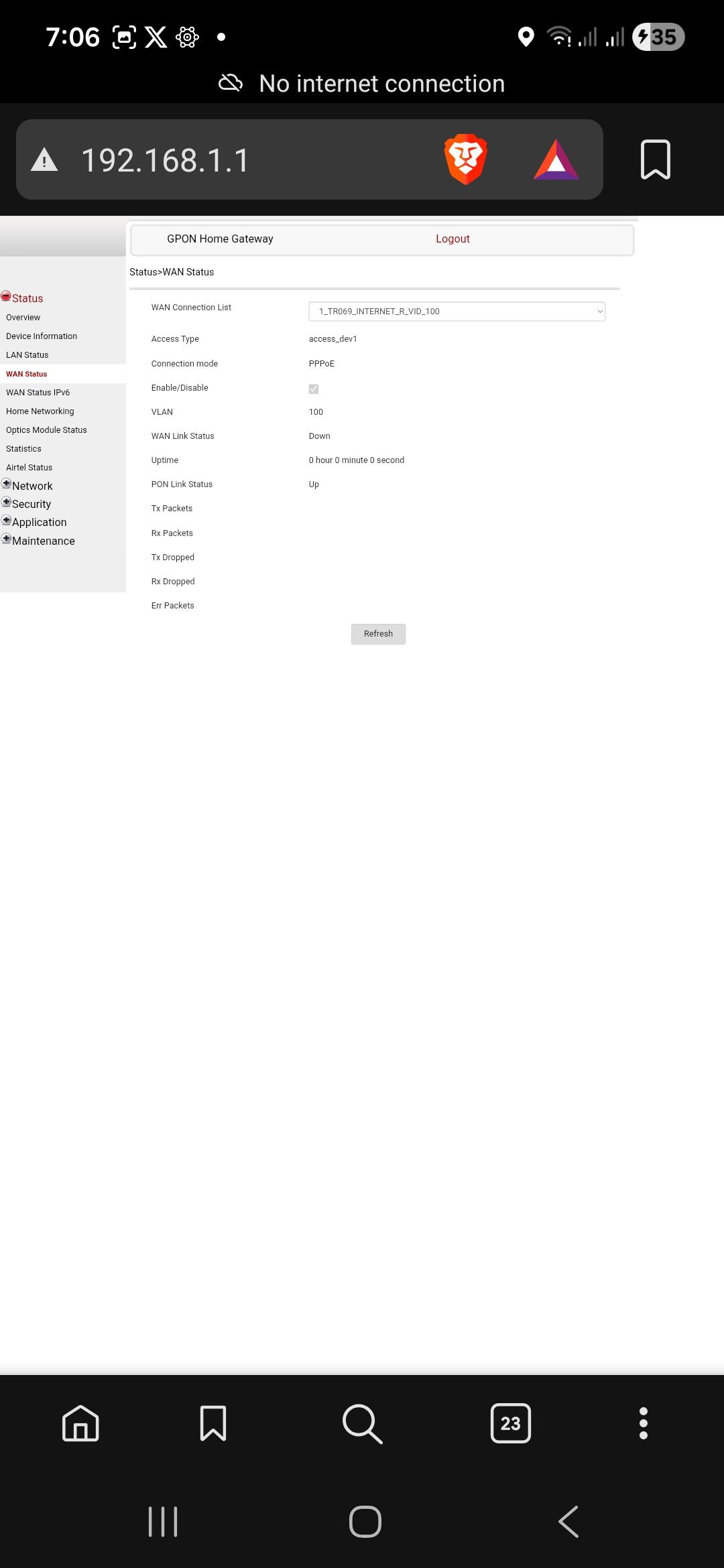
Now that you've reset your ONT and config isn't being pushed automatically (it was the same case with me), you need to call customer care and ask them to push the config back to your Nokia from the back-end. They'll probably schedule an engineer visit.

Ideally, you should get rid of the Nokia altogether if you have the budget.
 
@tr1k0N4 Bro thank you so much do your guidance. They are asking me 350 Rs incld GST, I don't want to subscribe just to get bridge mode.

I have budget bro, tell me which device should I buy and configure.

Now should I ask them to replace the Nokia router? and try to set port to Bridge Mode?

I try to bypass their router lock system using front end code change but they have blocked it on server side.

Now I am calling them to reset everything from there end and push my config, I don't want Bridge Mode. But I think they even don't know how to back to last working state.

Till now, My home is without Wifi and my IPTV and IOT devices are not working at all.


Kindly guide me what new device I should buy to bypass airtel
 
@Aashish.007
851c582f-1a6f-4dcc-a302-8db681d7cf2e.jpg
 
Now that you've reset your ONT and config isn't being pushed automatically (it was the same case with me), you need to call customer care and ask them to push the config back to your Nokia from the back-end. They'll probably schedule an engineer visit.

What a :poop:show :( šŸ„€
 
Please configure your laptop with a LAN static IP address to access the Portal of the ONU.

Once in Bride mode, only you can use your other device on port 4 on ONU to connect your router, Config PPPoE on your router, and all other functionality of ONU is lost, like WIIF, Internet connection on the latest firmware by Airtel on any router - Nokia or ZyXEL. It's just a DUMB Media converter, Fiber-to-LAN, as a local ISP offering.
 
Last edited:
Back